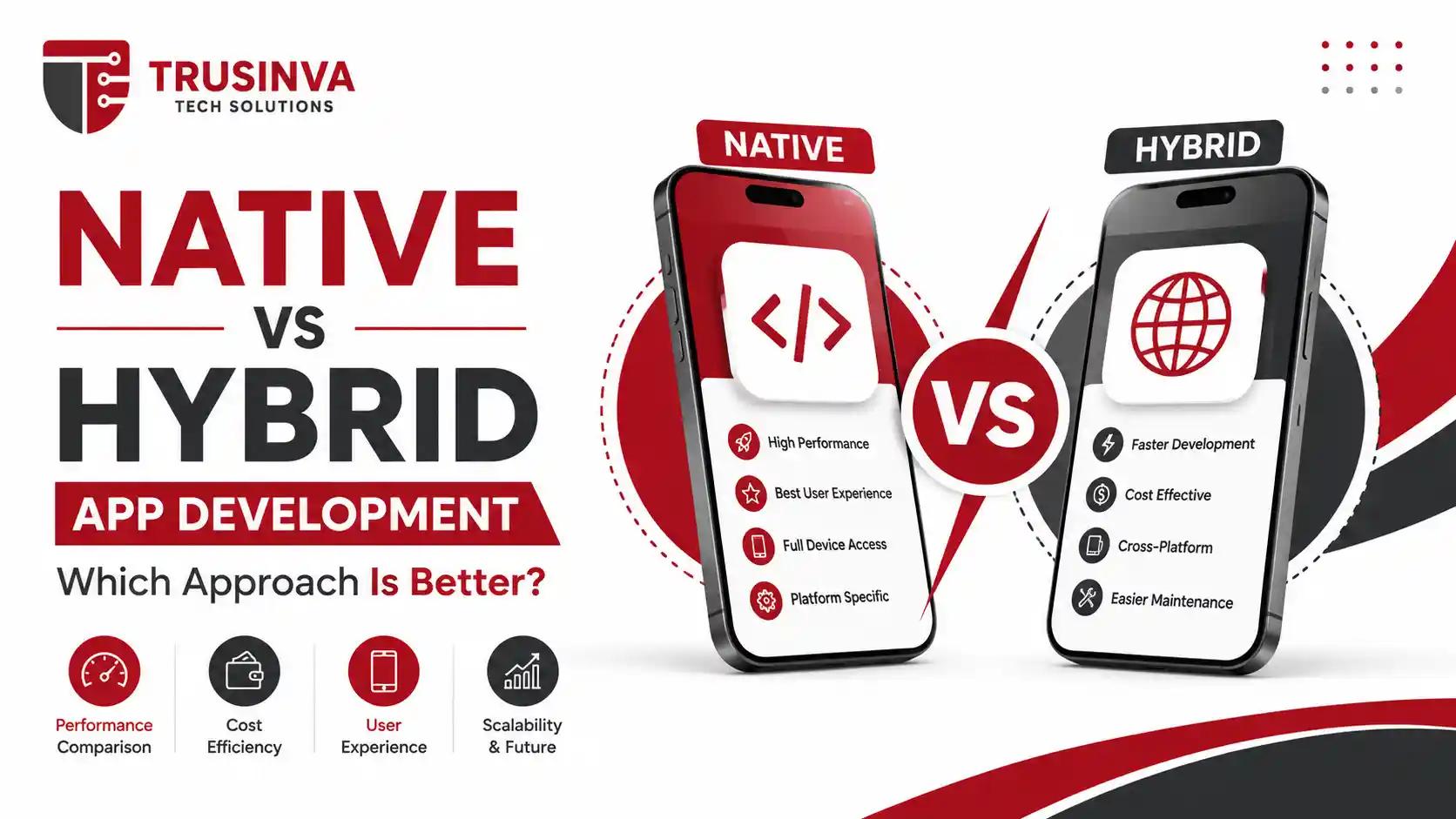
Quick Answer
Native app development means building separately for Android (Kotlin) and iOS (Swift) using each platform's own SDK, delivering the best performance and deepest hardware access. Hybrid app development wraps a single HTML/CSS/JavaScript codebase inside a native container using a WebView. Native suits performance-critical or hardware-heavy apps; hybrid suits simple, budget-constrained, content-driven apps that need to launch fast.
Introduction
"Should we build native or go hybrid?" is one of the first questions every business faces before starting a mobile project, and getting it wrong can mean months of wasted budget. At Trusinva Tech Solutions, we walk clients through this exact decision as part of our mobile app development services, because native and hybrid solve very different problems and neither is universally "better." This guide breaks down native vs hybrid app development across cost, performance, and timeline, and clears up a common misconception by explaining how hybrid differs from modern frameworks like the ones compared in our Flutter vs React Native guide. We'll also reference real numbers from our mobile app development cost breakdown, so founders and IT decision-makers can choose an approach based on data, not guesswork.
Key Takeaways
- Native apps (Kotlin/Swift) offer the best performance, deepest hardware access, and platform-perfect UI, but require two separate codebases.
- Hybrid apps (Cordova, Ionic, Capacitor) run web code inside a native WebView, making them cheaper and faster to build but slower and more limited than native.
- Hybrid is not the same as cross-platform — Flutter and React Native use fundamentally different architectures than traditional WebView-based hybrid apps.
- Native is generally the better choice for apps needing camera, GPS, Bluetooth, AR, or heavy animation.
- Hybrid can be the right call for internal tools, simple content apps, or extremely tight budgets and timelines.
- Most modern businesses actually choose cross-platform frameworks (Flutter/React Native) rather than traditional hybrid, because they balance cost and performance better.
Table of Contents
- Introduction
- Native vs Hybrid vs Cross-Platform: Clearing Up the Confusion
- What Is Native App Development?
- What Is Hybrid App Development?
- Development Cost Comparison
- Performance Comparison
- Development Timeline
- User Experience and UI
- Security Considerations
- Access to Native Device Features
- Pros and Cons: Native vs Hybrid
- Which Approach Fits Which Business?
- Common Mistakes Businesses Make
- Expert Tips and Best Practices
- Future Trends
- Why Choose Trusinva Tech Solutions
- FAQs
- Conclusion
Native vs Hybrid vs Cross-Platform: Clearing Up the Confusion
Direct answer: Native, hybrid, and cross-platform are three distinct approaches, not interchangeable terms. Native means separate code for each OS using its own SDK. Hybrid means one HTML/CSS/JavaScript codebase running inside a native WebView container. Cross-platform (Flutter, React Native) means one codebase that compiles to near-native code or renders through native components — without relying on a WebView.
Many articles incorrectly lump hybrid and cross-platform together because both use "one codebase." The architecture is completely different:
Traditional hybrid flow: HTML + CSS + JavaScript → WebView → Native container → Android / iOS
Modern cross-platform flow (Flutter/React Native): Shared codebase (Dart or JavaScript) → Native rendering engine or native UI components → Android / iOS (no WebView involved)
This distinction matters because hybrid apps generally perform noticeably worse than both native and modern cross-platform apps, since everything runs through an embedded browser layer instead of compiling to (or rendering through) native code.
What Is Native App Development?
Native app development means building an app specifically for one operating system using that platform's own language and SDK — Kotlin or Java with Android Studio and the Android SDK for Android, or Swift/Objective-C with Xcode and the iOS SDK for iOS. Because native apps talk directly to the operating system, they get full access to platform APIs, hardware features, and the smoothest possible performance.
The trade-off is that native development typically requires building and maintaining two separate codebases — one for Android, one for iOS — which increases both cost and long-term maintenance work.
What Is Hybrid App Development?
Hybrid app development means building an app using standard web technologies (HTML, CSS, JavaScript) and wrapping that single codebase inside a native container using a WebView, via frameworks like Apache Cordova, Ionic, or Capacitor. A JavaScript bridge lets the web code talk to native device features like the camera or GPS through plugins.
Hybrid apps are fast and inexpensive to build because a single codebase targets both platforms at once, but performance and native "feel" are limited by the WebView layer they run inside.
Development Cost Comparison
Hybrid app development is typically the cheapest upfront option since one codebase covers both platforms, native development is the most expensive due to duplicated engineering effort across two platforms, and cross-platform frameworks (Flutter/React Native) usually land in between — often close to hybrid's cost with performance much closer to native.
Cost drivers to consider:
- Team size — native requires either two specialized teams (Android + iOS) or developers skilled in both.
- Feature complexity — heavy use of native device features increases hybrid plugin costs and complexity fast.
- Long-term maintenance — native means maintaining two codebases indefinitely; hybrid means maintaining one, but often means more emergency fixes for performance or plugin issues.
See our detailed mobile app development cost guide and our general software development cost breakdown for full ranges by project complexity.
Performance Comparison
Native apps deliver the best possible performance because they compile directly to machine code and access the OS and hardware with no intermediate layer. Hybrid apps run through a WebView, which adds rendering overhead and typically results in slower animations, longer load times, and less responsive touch interactions — especially noticeable in graphics-heavy or animation-rich apps.
| Factor | Native | Hybrid |
| Raw Performance | Best | Weakest |
| Animation Smoothness | Excellent | Limited |
| Load/Startup Time | Fastest | Slower (WebView overhead) |
| Hardware Access | Full, direct | Via plugins/bridge |
| Offline Capability | Strong | Limited, depends on setup |
Development Timeline
Hybrid app development is usually the fastest option to reach a working version since developers write once and deploy to both platforms without duplicating logic. Native development takes longer because Android and iOS versions are often built in parallel or sequentially by separate specialists.
Typical MVP timelines:
- Hybrid: 6–10 weeks
- Native (single platform): 8–14 weeks
- Native (both platforms): 14–22 weeks
For businesses weighing speed against long-term quality, it's worth comparing this against our website vs mobile app guide — sometimes a fast, simple hybrid app (or even a mobile-optimized website) is genuinely the right first step before a full native build.

User Experience and UI
Native apps automatically match each platform's design language — Material Design on Android, Apple's Human Interface Guidelines on iOS — because they use each platform's real native UI components. Hybrid apps render through a WebView, so achieving a truly native look and feel requires extra design and engineering work, and subtle lag or scroll-jank can still break the illusion.
For apps where user experience is a core differentiator, our UI/UX design services team typically recommends starting with a UX audit to determine whether the performance trade-offs of hybrid are acceptable for your specific user base — see our related guide on UI/UX design that increases US conversions.
Security Considerations
Direct answer: Native apps generally offer stronger security because they run directly on the OS with fewer intermediate layers, while hybrid apps introduce additional attack surface through the WebView and JavaScript bridge, requiring extra care around secure plugin usage, HTTPS enforcement, and input validation.
Both approaches should still follow standard mobile security practices: encrypted local storage, secure authentication, and OWASP Mobile Top 10 guidance. Businesses in regulated industries — healthcare, finance, logistics — should weigh this carefully; see our related work on healthcare software solutions for how security requirements shape platform decisions in sensitive sectors.
Access to Native Device Features
Native development gives direct, unrestricted access to device hardware — camera, GPS, Bluetooth, biometrics, ARKit/Core ML, sensors — through each platform's own SDK. Hybrid apps access these same features indirectly through plugins and a JavaScript bridge, which can lag behind the latest OS features and sometimes introduce compatibility issues after OS updates.
Apps that depend heavily on cutting-edge hardware integration — AR features, advanced camera processing, real-time sensor data — are almost always better served by native or a modern cross-platform framework rather than traditional hybrid.
Pros and Cons: Native vs Hybrid
Native — Pros
- Best possible performance and responsiveness
- Full, direct access to native APIs and hardware
- Platform-perfect UI/UX out of the box
- Best long-term scalability for complex apps
Native — Cons
- Higher cost due to two separate codebases
- Longer development timeline
- Requires platform-specific expertise (Kotlin and Swift)
Hybrid — Pros
- Lower upfront development cost
- Faster time to market with a single codebase
- Easier for teams with web development backgrounds
- Good fit for simple, content-driven apps
Hybrid — Cons
- Weaker performance, especially for animations
- Limited, plugin-dependent access to native features
- Can feel less "native" to end users
- WebView layer adds security and debugging complexity
Which Approach Fits Which Business?
- Choose native if your app is performance-critical, hardware-heavy (camera, AR, GPS, Bluetooth), or core to your business's competitive advantage.
- Choose hybrid if you need a simple, content-driven app, an internal business tool, or a fast, low-cost proof of concept.
- Consider cross-platform (Flutter/React Native) instead of hybrid if you want near-native performance without maintaining two full codebases — this is the route most growing businesses take today.
Common Mistakes Businesses Make
- Assuming "hybrid" and "cross-platform" are the same thing. They use fundamentally different architectures with very different performance profiles.
- Choosing hybrid purely on cost without testing real-world performance for their specific use case.
- Underestimating plugin maintenance for hybrid apps after major OS updates.
- Building native for a simple MVP that didn't need the extra cost or timeline.
- Ignoring long-term maintenance costs when comparing initial development quotes.
Expert Tips and Best Practices
- Prototype your most performance-sensitive screen before committing to hybrid — if it feels sluggish in a prototype, it will feel sluggish in production.
- For apps needing significant native features, seriously evaluate Flutter or React Native before defaulting to traditional hybrid frameworks like Cordova or Ionic.
- Budget for ongoing plugin maintenance if you go hybrid — OS updates can break third-party bridges.
- Start with a UX audit to decide whether performance trade-offs are acceptable for your specific audience.
- Treat native vs hybrid as a long-term maintenance decision, not just a launch-cost decision.
Future Trends
Traditional WebView-based hybrid development (Cordova-style) is steadily losing ground to modern cross-platform frameworks like Flutter and React Native, which offer far better performance without a full native rebuild. Native development remains the standard for performance-critical, hardware-intensive, and enterprise-grade apps. Businesses planning 2026 roadmaps should also factor in how AI-assisted development tools are speeding up both native and cross-platform builds — see our related coverage on AI automation services.
Why Choose Trusinva Tech Solutions
Trusinva Tech Solutions builds native, hybrid, and cross-platform apps for U.S. startups, SMBs, and enterprises across healthcare, eCommerce, logistics, and SaaS. Our team has hands-on experience with Kotlin, Swift, and modern frameworks like Flutter and React Native, and we recommend the right approach based on your actual performance needs and budget — not a default answer. Explore our full mobile app development services, paired with UI/UX design and post-launch digital marketing support so your app doesn't just launch — it grows. See how we've guided similar decisions in our guides on hiring the right mobile app development company and affordable app development for startups.
FAQs
1. Is native or hybrid app development better? Native is better for performance-critical or hardware-heavy apps; hybrid is better for simple, budget-constrained, content-driven apps that need to launch fast.
2. Is hybrid the same as cross-platform (Flutter/React Native)? No. Hybrid apps run web code inside a native WebView; Flutter and React Native use different architectures that render through native components or a native engine, without a WebView.
3. Which is cheaper: native or hybrid app development? Hybrid is typically cheaper upfront because a single codebase covers both platforms. Native costs more due to building and maintaining two separate codebases.
4. Do hybrid apps perform as well as native apps? No. Hybrid apps run through a WebView layer, which generally makes them slower and less responsive than native apps, especially for animations.
5. Can hybrid apps access the camera, GPS, and other hardware? Yes, through plugins and a JavaScript bridge, but access is less direct and can lag behind the latest native OS features.
6. How long does it take to build a native app for both platforms? Typically 14–22 weeks, compared to 6–10 weeks for a comparable hybrid app.
7. Is hybrid app development still relevant in 2026? It's still used for simple, low-budget, content-driven apps, but many businesses now choose Flutter or React Native instead of traditional hybrid for better performance at a similar cost.
8. How much does it cost to build a mobile app in the USA? Costs vary by approach and complexity — see our full mobile app development cost breakdown for real ranges.
Conclusion
Native vs hybrid app development isn't about which approach is universally "better" — it's about matching the approach to your app's performance needs, budget, and timeline. Native wins on performance, hardware access, and long-term scalability; hybrid wins on speed and upfront cost for simpler apps. And increasingly, businesses are skipping traditional hybrid altogether in favor of cross-platform frameworks that offer a better balance of both.
If you're ready to move from research to execution, Trusinva Tech Solutions can help you choose and build the right approach for your app — explore our mobile app development services, browse our case studies and projects, or get in touch to discuss your project. Want to build deeper technical or business skills alongside your app launch? Book a Seat in one of our professional courses and take the next confident step forward.