Quick Answer:
Manufacturing ERP software is a business management system that connects production planning, inventory, procurement, quality control, and finance into one platform built specifically for factories and production environments. Unlike general ERP, it includes manufacturing-specific tools like MRP, shop floor control, and bill of materials management. US manufacturers typically implement it to reduce downtime, cut waste, and improve on-time delivery.
Introduction
US manufacturers are under more pressure than ever to run lean, track everything in real time, and keep production moving without costly downtime — and that's exactly the gap manufacturing ERP software is built to close. If you've been comparing platforms and terms like MRP, MES, and shop floor control, this guide walks through everything you need to make a confident decision in 2026.
We put this together at Trusinva Tech Solutions, where our team works on enterprise software development and custom software builds for manufacturing, healthcare, and logistics businesses across the US. We've also seen how AI automation is starting to reshape production planning and quality control, and we'll touch on that later in this guide. Whether you're evaluating an off-the-shelf platform like NetSuite or considering a CRM-integrated custom build, this article gives you a realistic, no-fluff picture of what manufacturing ERP actually involves.
Let's start with the basics.
Key Takeaways
- Manufacturing ERP goes beyond generic ERP by adding MRP, shop floor control, and production scheduling built for factory operations.
- Leading platforms in 2026 include SAP S/4HANA, Oracle NetSuite, Infor CloudSuite Industrial, Epicor Kinetic, Microsoft Dynamics 365, Plex/DELMIAworks, and IFS Cloud.
- ISA-95 remains the key reference standard for how ERP (Level 4) connects with MES and shop floor systems (Level 3).
- The US Bureau of Labor Statistics reports more than 12.8 million manufacturing workers nationwide, underscoring how large and tech-dependent this sector has become.
- Implementation typically takes 3–12 months depending on manufacturing type (discrete, process, batch, or mixed-mode).
Table of Contents
- What Is Manufacturing ERP Software?
- Why Manufacturers Need Industry-Specific ERP
- Core Modules in Manufacturing ERP
- How Manufacturing ERP Connects to the Shop Floor (ERP, MRP, MES Explained)
- Top Manufacturing ERP Software in 2026
- Manufacturing ERP by Production Type
- Benefits of Manufacturing ERP
- Challenges and Disadvantages
- Manufacturing ERP Cost in the USA
- Implementation Process: Step-by-Step
- Standards and Compliance Manufacturers Must Consider
- Common Mistakes During Manufacturing ERP Implementation
- Future Trends: AI, IoT, and Smart Manufacturing
- Why Choose Trusinva Tech Solutions
- FAQs
- Conclusion
What Is Manufacturing ERP Software?
Manufacturing ERP software is a centralized system that manages production planning, inventory, procurement, quality, maintenance, and financials specifically for manufacturing environments. It differs from general business ERP by including manufacturing-only functionality: bill of materials (BOM) management, material requirements planning (MRP), routing, work order management, and shop floor visibility.
In simple terms, manufacturing ERP is what tells a factory what to build, what materials it needs, when to build it, and how much it will cost — all connected to real production data instead of spreadsheets.
Why Manufacturers Need Industry-Specific ERP
Generic ERP systems weren't designed for the realities of a production floor — machine scheduling, scrap tracking, and material variance simply aren't core features. Manufacturing ERP solves this by building those workflows in natively, which is why most manufacturers eventually outgrow generic business software.
A general finance-focused ERP can track invoices and payroll fine, but it won't tell you machine utilization dropped 12% this week or that a supplier delay is about to stall three work orders. Manufacturing-specific ERP is built around production logic first, financials second.
Core Modules in Manufacturing ERP
- Production planning and scheduling – plans work orders against capacity and demand
- Material requirements planning (MRP) – calculates what materials are needed and when
- Bill of materials (BOM) management – defines components and sub-assemblies for each product
- Shop floor control – tracks real-time production status, labor, and machine activity
- Inventory and warehouse management – manages raw materials, WIP, and finished goods
- Quality management (QMS) – handles inspections, nonconformance, and corrective actions
- Maintenance management (CMMS) – schedules preventive maintenance to reduce downtime
- Procurement and supplier management – automates purchasing and supplier performance tracking
- Cost accounting / job costing – calculates true production cost per unit or job
- Traceability and lot tracking – critical for regulated industries like food and medical devices
How Manufacturing ERP Connects to the Shop Floor (ERP, MRP, MES Explained)
ERP sits at the top of the manufacturing technology stack, planning what needs to be produced, while MRP calculates material needs and MES (Manufacturing Execution System) manages real-time execution on the shop floor. Machines and sensors sit below that, feeding production data back up the chain.
This relationship follows the ISA-95 standard (updated as ANSI/ISA-95.00.01-2025), which places ERP at Level 4 — business planning — and MES/manufacturing operations at Level 3. Understanding this hierarchy matters because poor ERP-MES integration is one of the top reasons manufacturing software projects fail to deliver real-time visibility.
The typical data flow looks like this: ERP (planning) → MRP (materials) → MES (execution) → Shop Floor → Machines → Production Data → back to ERP for reporting
Top Manufacturing ERP Software in 2026
| Platform | Best For | Deployment |
| SAP S/4HANA | Large, complex global manufacturers | Cloud/On-Premise |
| Oracle NetSuite | Mid-market, fast-growing manufacturers | Cloud |
| Infor CloudSuite Industrial | Discrete manufacturing, complex BOMs | Cloud |
| Epicor Kinetic | Mid-size discrete manufacturers | Cloud/Hybrid |
| Microsoft Dynamics 365 | Manufacturers already on Microsoft stack | Cloud |
| Plex/DELMIAworks | Automotive, high-volume production | Cloud |
| IFS Cloud | Asset-intensive, engineer-to-order manufacturers | Cloud |
| Acumatica Cloud ERP | Small to mid-size manufacturers | Cloud |
| Odoo Manufacturing | Startups, small manufacturers, budget-conscious teams | Cloud/On-Premise |
| SYSPRO ERP | Mid-market discrete and process manufacturers | Cloud/On-Premise |
Current 2026 comparisons in the manufacturing-ERP space consistently put SAP S/4HANA, Oracle NetSuite, Infor CloudSuite Industrial, Epicor Kinetic, and Microsoft Dynamics 365 as the leading general options, with Plex/DELMIAworks and IFS standing out for specialized, asset-heavy production environments.
Manufacturing ERP by Production Type
| Manufacturing Type | Description | ERP Priority Features |
| Discrete Manufacturing | Distinct, countable units (cars, electronics) | BOM management, work orders |
| Process Manufacturing | Formula/recipe-based (chemicals, food) | Batch tracking, formulation |
| Batch Manufacturing | Produced in defined batches | Lot tracking, quality control |
| Mixed-Mode Manufacturing | Combination of discrete and process | Flexible planning tools |
| Make-to-Order / Engineer-to-Order | Built per customer specification | Custom BOM, project costing |
| Repetitive Manufacturing | High-volume, consistent output | Line scheduling, throughput tracking |
Benefits of Manufacturing ERP
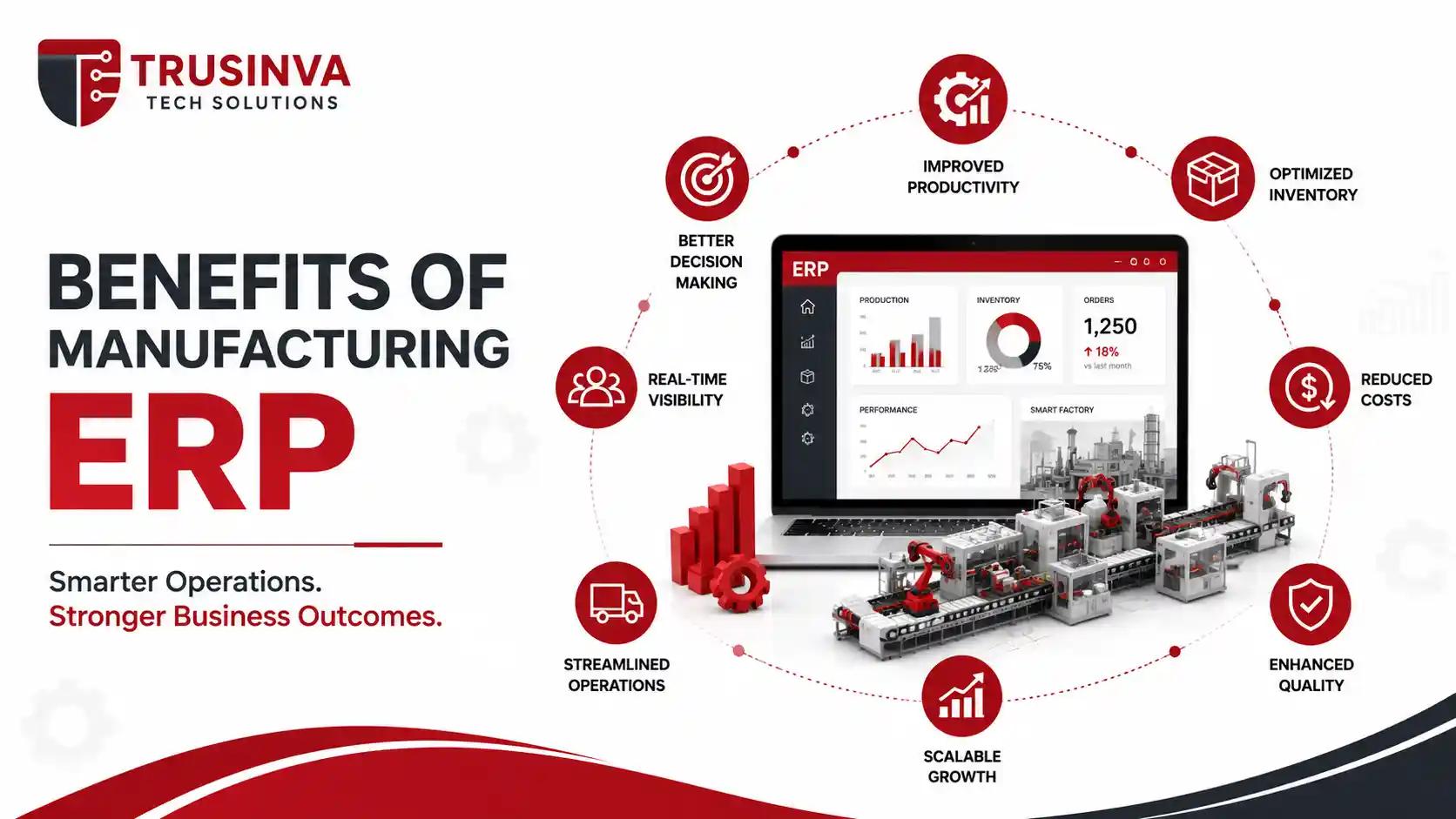
- Real-time visibility into production status and machine utilization
- Reduced material waste through accurate MRP planning
- Faster, more accurate quoting and job costing
- Better on-time delivery through integrated scheduling
- Improved regulatory compliance and traceability
- Fewer stockouts and overstocking issues
- Centralized data eliminates disconnected spreadsheets across departments
Challenges and Disadvantages
- High upfront cost and implementation time for smaller manufacturers
- Requires significant employee training and change management
- Data migration from legacy systems can be complex and error-prone
- Poor ERP-MES integration can create reporting gaps
- Over-customization can make future upgrades expensive
Important note: Manufacturers who skip proper process mapping before implementation are the most likely to face costly rework later — this is consistently one of the biggest risk factors in ERP projects.
Manufacturing ERP Cost in the USA
| Manufacturer Size | Typical Cost Range |
| Small (under 50 employees) | $15,000–$75,000 |
| Mid-size (50–500 employees) | $100,000–$300,000 |
| Large/Enterprise | $300,000–$1,000,000+ |
Costs vary based on number of modules, integration complexity with existing MES/SCADA systems, and whether the business chooses cloud subscription pricing or a custom-built platform. For a deeper cost breakdown across industries, see our guide on software development cost.
Implementation Process: Step-by-Step
- Assessment and process mapping – document current workflows and pain points
- Vendor/platform selection – match features to production type and budget
- Data migration planning – clean and map legacy data (inventory, BOMs, customer records)
- System configuration and customization – build workflows specific to your operations
- Integration – connect ERP with MES, SCADA, or existing CRM/accounting tools
- Testing – validate workflows before go-live
- Training – onboard shop floor and office staff
- Go-live and support – phased rollout with ongoing technical support
Standards and Compliance Manufacturers Must Consider
- ISA-95 / IEC 62264 – defines ERP-to-MES integration architecture
- NIST Cybersecurity Framework (CSF 2.0) and IEC 62443 – industrial cybersecurity standards
- ISO 9001 – quality management systems
- ISO 27001 – information security
- FDA 21 CFR Part 11 / GMP / ISO 13485 – required for regulated manufacturers (medical devices, pharmaceuticals)
- HACCP / FSMA – food manufacturing safety compliance
NIST's Manufacturing Extension Partnership (NIST MEP) also provides guidance for small and mid-size US manufacturers adopting new production technology, including ERP modernization.
Common Mistakes During Manufacturing ERP Implementation
- Choosing a platform based on price alone instead of production-type fit
- Underestimating shop floor training needs
- Skipping a proper ERP-MES integration plan
- Migrating "dirty" legacy data without cleanup
- Customizing too heavily, making future updates difficult
- Not assigning a dedicated internal project owner
Future Trends: AI, IoT, and Smart Manufacturing
Manufacturing ERP in 2026 is increasingly shaped by AI-driven demand forecasting, predictive maintenance powered by IIoT sensors, and digital twins that simulate production changes before they happen on the actual floor. Manufacturers are also exploring AI agents for procurement and quality anomaly detection — an extension of the broader shift toward AI automation across business operations.
Cloud-based, API-first ERP architecture is also becoming the standard, making it easier to connect ERP with SCADA, PLC systems, and third-party analytics tools without heavy custom middleware.
Why Choose Trusinva Tech Solutions
Manufacturing ERP isn't a plug-and-play purchase — it's a system that has to match your exact production workflow, or it becomes another disconnected tool. At Trusinva Tech Solutions, we help manufacturers and other industry-specific businesses plan and build software that actually fits how they operate.
What we bring to manufacturing ERP projects:
- Experience in custom software development and enterprise software solutions
- Integration expertise across CRM development and backend systems
- A track record supporting industry-specific builds, similar to our work in healthcare software solutions
- Full-stack capability from web development to UI/UX design for shop floor dashboards and reporting tools
- Transparent, phased project scoping to avoid the budget overruns common in ERP projects
Browse our services or check out past projects to see how we've approached similar systems.
FAQs
1. What is manufacturing ERP software used for? It's used to manage production planning, inventory, procurement, quality, and financials in one connected system built specifically for factory operations.
2. What's the difference between ERP and MRP in manufacturing? ERP manages the whole business — finance, HR, procurement, production. MRP is a subset focused specifically on calculating material needs for production.
3. How is manufacturing ERP different from MES? ERP handles business-level planning (Level 4 under ISA-95), while MES manages real-time shop floor execution (Level 3). They work together, not as substitutes.
4. How much does manufacturing ERP cost for a small business? Small manufacturers typically spend $15,000–$75,000, depending on modules, cloud vs. on-premise deployment, and integration needs.
5. Which manufacturing ERP is best for small manufacturers? Odoo Manufacturing and Acumatica Cloud ERP are commonly chosen by smaller manufacturers due to lower upfront cost and flexible modular pricing.
6. How long does manufacturing ERP implementation take? Typically 3–6 months for small to mid-size manufacturers and 6–12 months for large, multi-site operations.
7. Do manufacturing ERP systems support compliance requirements? Yes. Most modern platforms support ISO 9001, FDA 21 CFR Part 11, and traceability requirements needed in regulated industries like food and medical devices.
8. Can manufacturing ERP integrate with existing shop floor equipment? Yes, through MES, SCADA, or PLC integrations, though the complexity depends on your existing equipment and how modern its data architecture is.
Conclusion
Manufacturing ERP software has moved from a "nice to have" to a core operational requirement for US manufacturers trying to stay competitive in 2026 — especially with rising expectations around real-time visibility, traceability, and AI-driven planning. The right platform depends heavily on your production type, compliance needs, and existing shop floor technology, so it's worth getting the assessment phase right before choosing a vendor.
If you're planning a manufacturing ERP project or want an honest assessment of what your operation actually needs, the best next step is a direct conversation with a team that's done this before. Book a Seat with Trusinva Tech Solutions to walk through your production workflow and get a realistic cost and timeline estimate. You can also explore our full services page, read more on our blog, or learn more about our team before reaching out.