Quick Answer:
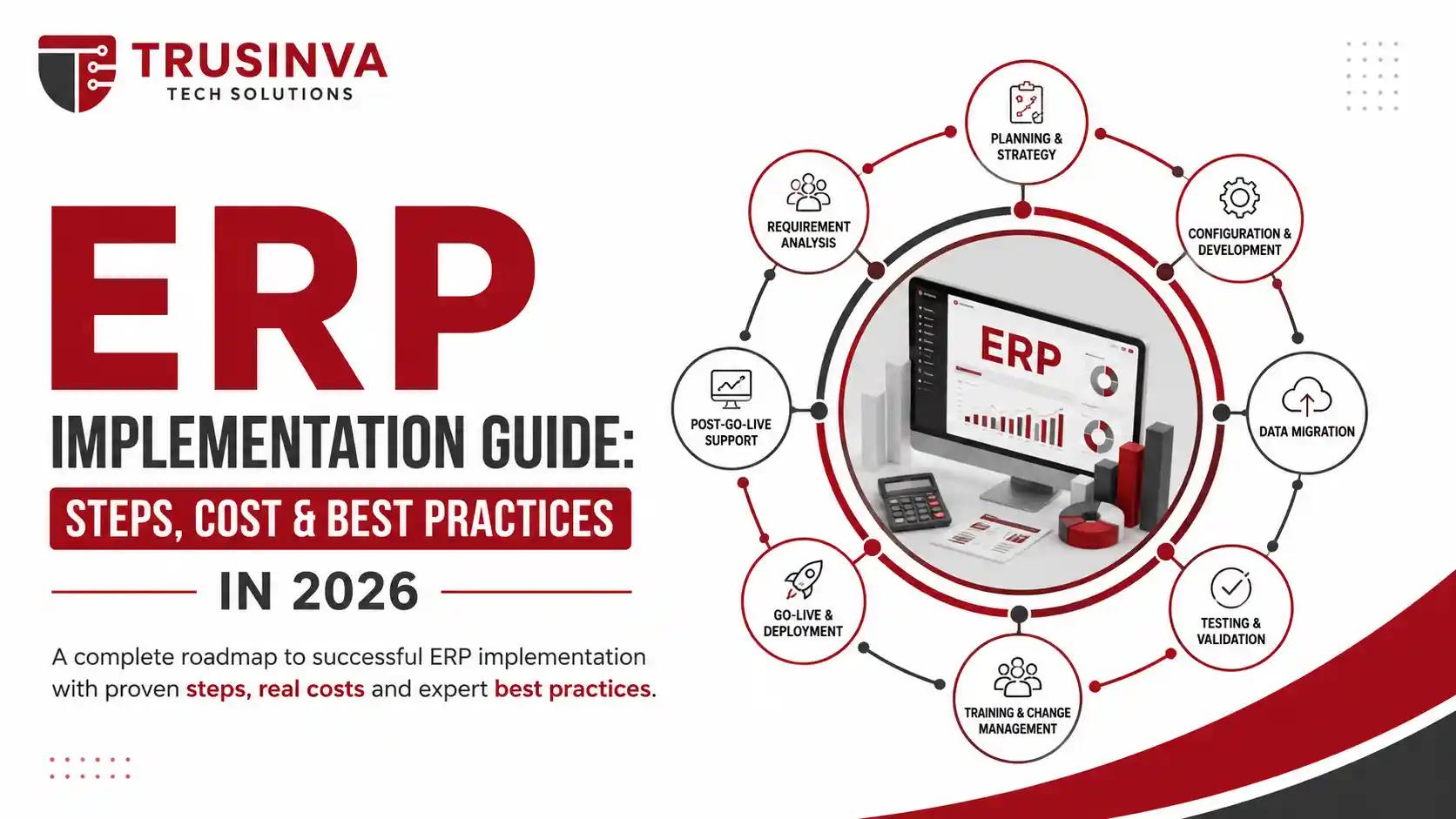
ERP implementation is the structured process of planning, configuring, migrating data to, and launching an ERP system across an organization. It typically includes requirements gathering, solution design, data migration, testing, training, and go-live, followed by post-launch support. A well-run implementation usually takes several months to over a year, depending on company size and complexity.
Introduction
Buying ERP software is the easy part — implementing it successfully is where most projects run into trouble. Industry research consistently shows a large share of ERP implementations exceed their original budget or timeline, usually because of underestimated data migration work and weak change management. At Trusinva Tech Solutions, we help businesses plan custom software development and ERP rollouts that account for these risks from day one. If you're also comparing cloud ERP options or thinking about how ERP connects with your CRM development strategy, this guide walks through the entire implementation process — including realistic timelines, cost factors, and the mistakes that derail most projects, alongside broader enterprise software development considerations.
By the end, you'll have a clear, practical roadmap for planning your own ERP implementation without the guesswork.
Key Takeaways:
- ERP implementation follows a defined lifecycle: planning, design, configuration, testing, training, go-live, and hypercare.
- Poor data migration and insufficient user training are the two leading causes of failed ERP projects.
- Costs vary based on company size, customization level, number of users, and chosen deployment model.
- Change management and executive sponsorship matter as much as the technical rollout itself.
- Cloud ERP implementations, such as SAP S/4HANA Cloud or Microsoft Dynamics 365, generally deploy faster than legacy on-premise systems.
Table of Contents
- What Is ERP Implementation?
- Why ERP Implementation Often Fails
- The ERP Implementation Lifecycle: Step-by-Step
- Implementation Methodologies: Agile vs Waterfall vs Hybrid
- ERP Implementation Timeline
- ERP Implementation Cost
- Best Practices for a Successful Rollout
- Common Mistakes to Avoid
- Change Management and User Adoption
- Future Trends in ERP Implementation
- Why Choose Trusinva Tech Solutions
- FAQs
- Conclusion
What Is ERP Implementation?
ERP implementation is the end-to-end process of deploying enterprise resource planning software across an organization — from initial requirements gathering through configuration, data migration, testing, training, and go-live. It's a business transformation project as much as a technical one, since it typically changes how teams work day to day.
Unlike simply installing software, ERP implementation involves mapping existing business processes, deciding what to customize versus keep standard ("fit-gap analysis"), migrating historical data accurately, and preparing employees to work in a new system. Modern cloud-based implementations, as vendors like Microsoft note, involve significant process design, configuration, and data validation work — not just coding.
Why ERP Implementation Often Fails
ERP implementations most commonly fail due to poor data migration planning, insufficient user training, unclear project scope, and lack of executive sponsorship — not because the software itself is flawed. Technical issues are rarely the root cause; organizational readiness usually is.
Common failure patterns include:
- Underestimating how long data cleansing and migration will take
- Treating training as an afterthought instead of a core project phase
- Allowing scope creep without proper change control
- Lacking a clear executive sponsor to resolve cross-department conflicts
- Choosing a system that doesn't fit the organization's actual processes
The ERP Implementation Lifecycle: Step-by-Step
- Discovery and requirements gathering — document current workflows and pain points across finance, HR, supply chain, and other departments
- Solution design (blueprint) — map business requirements to ERP modules and identify configuration versus customization needs
- System configuration — set up modules, workflows, and user roles based on the blueprint
- Data migration — clean, validate, and transfer data from legacy systems
- Integration — connect the ERP with existing tools like CRM, ecommerce platforms, or custom applications via APIs
- Testing — conduct system integration testing and user acceptance testing (UAT)
- Training — prepare end users through hands-on sessions, not just documentation
- Cutover and go-live — transition from the legacy system to the new ERP
- Hypercare and post-go-live support — provide intensive support immediately after launch to resolve issues quickly
- Continuous improvement — refine workflows and add capabilities based on real usage data
Implementation Methodologies: Agile vs Waterfall vs Hybrid
| Methodology | Best For | Trade-off |
| Waterfall | Well-defined, stable requirements | Less flexible to mid-project changes |
| Agile | Projects needing iterative feedback and flexibility | Requires strong project discipline to avoid scope creep |
| Hybrid | Most enterprise ERP projects today | Balances structure with adaptability |
Vendor-specific methodologies like SAP Activate and Oracle Unified Method build on these principles with platform-specific tooling and templates.
ERP Implementation Timeline
ERP implementation timelines typically range from a few months for small businesses using standard cloud configurations to over a year for large, multi-department enterprises with heavy customization and multiple integrations. Timeline is driven primarily by scope, data complexity, and the number of business units involved.
| Business Size | Typical Timeline |
| Small business, standard cloud ERP | 2–4 months |
| Mid-sized business, moderate customization | 4–9 months |
| Large enterprise, multi-department rollout | 9–18+ months |
ERP Implementation Cost
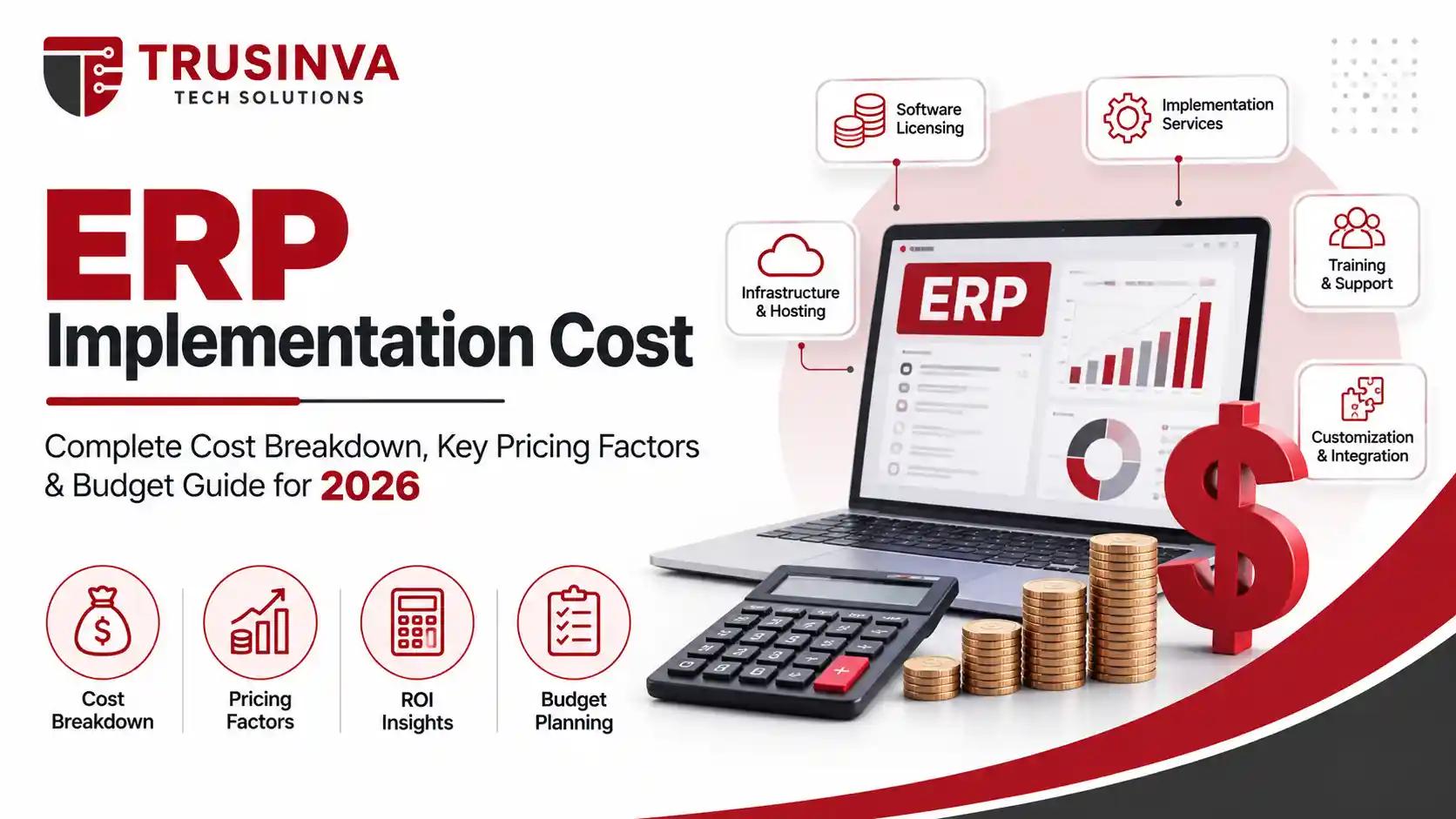
ERP implementation cost depends on company size, number of users, level of customization, data migration complexity, and whether you choose cloud or on-premise deployment. Cloud ERP generally lowers upfront costs but adds ongoing subscription fees, while on-premise systems require larger initial investment with lower recurring costs.
Key cost drivers:
- Licensing or subscription fees
- Implementation partner/consulting fees
- Data migration and cleansing effort
- Custom integrations and development work
- Training and change management programs
- Post-go-live support
For a broader look at how software project costs are typically structured, see our guide on software development cost.
Best Practices for a Successful Rollout
- Secure executive sponsorship early — projects with visible leadership support move faster through cross-department decisions
- Invest properly in data cleansing — inaccurate data undermines the entire system, no matter how well it's configured
- Choose an implementation partner with relevant industry experience, whether that's healthcare, manufacturing, or ecommerce
- Test thoroughly before go-live — don't skip user acceptance testing to save time
- Plan hypercare support — issues will surface in the first weeks after launch; be ready for them
- Set clear KPIs — define what success looks like before the project starts, not after
Common Mistakes to Avoid
- Rushing the discovery phase to save time upfront
- Customizing too heavily instead of adapting processes to standard functionality
- Underfunding the training budget
- Ignoring integration requirements with existing systems like CRM or ecommerce platforms
- Failing to assign a dedicated internal project owner
Change Management and User Adoption
Change management is critical to ERP success because even a technically perfect system fails if employees resist using it correctly. Effective change management combines clear communication, hands-on training, and visible leadership support throughout the project — not just at launch.
Practical tactics include:
- Involving end users early in requirements gathering, not just at training
- Identifying department "champions" who help drive adoption
- Communicating the "why" behind process changes, not just the "how"
- Providing accessible support channels during the first weeks post-launch
Future Trends in ERP Implementation
- AI-assisted configuration and testing, reducing manual implementation effort
- Low-code/no-code customization tools cutting reliance on custom development for minor changes
- Faster cloud deployment templates from vendors like Microsoft and Oracle
- Increased use of AI agents for post-go-live support and anomaly detection, echoing trends covered in our piece on AI automation services
- Greater emphasis on continuous improvement rather than treating go-live as the finish line
Why Choose Trusinva Tech Solutions
A successful ERP implementation depends on getting the technical and organizational sides right at the same time. At Trusinva Tech Solutions, we combine custom software development, CRM development, and AI development and automation to help businesses design ERP integrations that actually match their workflows — not a generic, one-size-fits-all rollout.
Once your ERP is live, our digital marketing and SEO services teams can help you capture the growth your more efficient operations now allow you to handle.
FAQs
Q: How long does a typical ERP implementation take? Anywhere from a few months for small businesses to over a year for large, multi-department enterprises, depending on scope and customization.
Q: What's the most common reason ERP implementations fail? Poor data migration planning and insufficient user training are consistently the top causes, more often than software limitations.
Q: Should I choose Agile or Waterfall for ERP implementation? Most enterprise ERP projects today use a hybrid approach, combining Waterfall's structure with Agile's flexibility for configuration and testing phases.
Q: How much does ERP implementation cost? Cost varies widely based on company size, customization level, and deployment model — cloud ERP lowers upfront costs but adds ongoing subscription fees.
Q: Do I need a dedicated implementation partner? For most mid-sized to large businesses, yes — an experienced partner helps avoid common pitfalls in data migration, integration, and change management.
Q: What is hypercare in ERP implementation? Hypercare is the intensive support period immediately after go-live, designed to quickly resolve issues before they affect daily operations.
Q: Can ERP implementation be done in phases? Yes, phased rollouts — module by module or department by department — are common and often reduce overall project risk.
Conclusion
ERP implementation is as much about people and process as it is about technology. The businesses that succeed are the ones that invest properly in data migration, training, and change management — not just the software license. A clear, phased plan with realistic timelines and defined KPIs makes the difference between a system that gets adopted and one that gets avoided.
If you're planning an ERP implementation and want a partner who understands both the technical and organizational sides, Trusinva Tech Solutions can help you build a realistic roadmap. Explore our available courses to strengthen your team's skills ahead of the rollout, or visit our contact page to discuss your project. Want to get your team ready before go-live? Book a Seat in one of our upcoming training courses today and start your ERP journey with confidence.