Quick Answer:
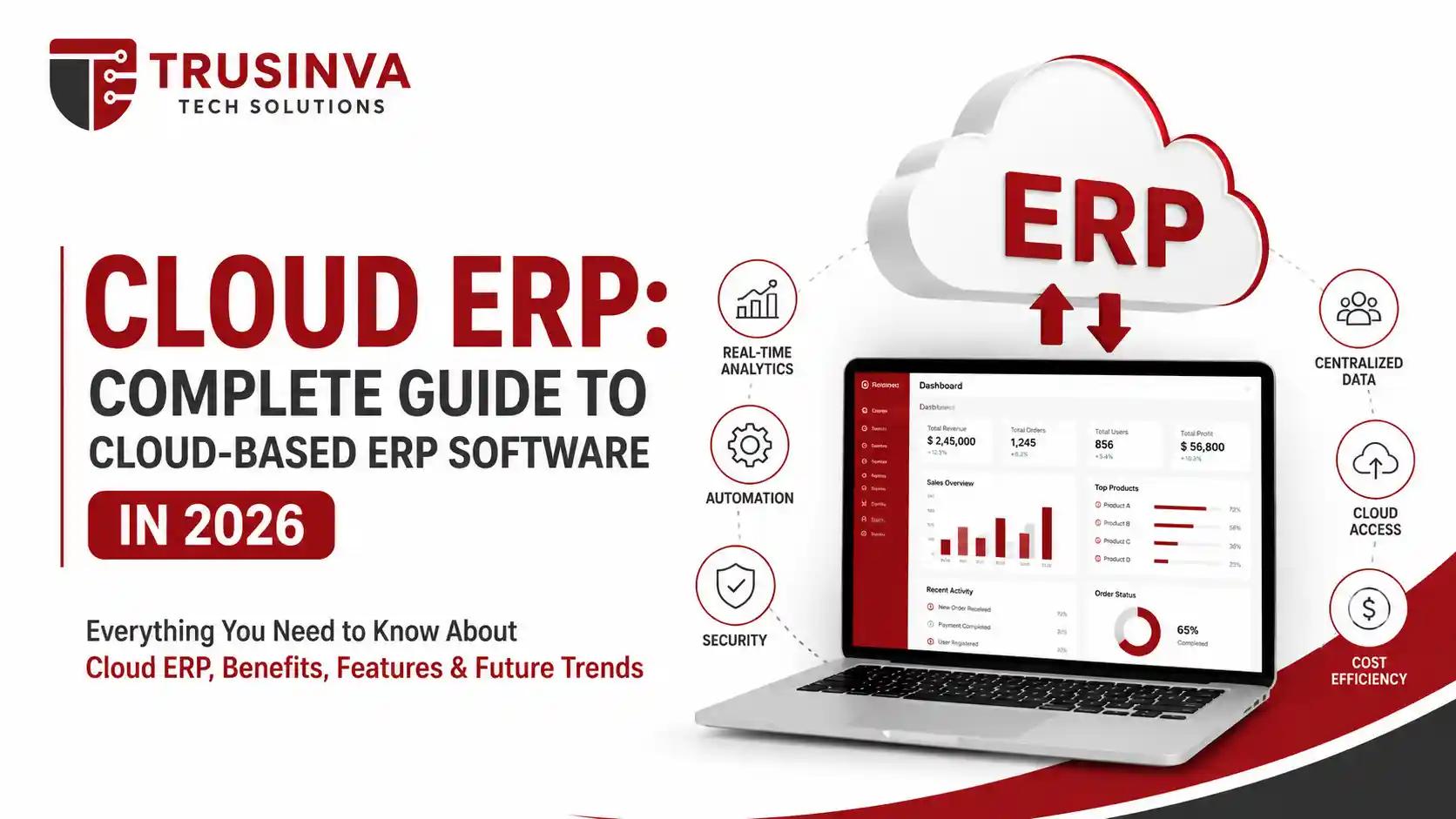
Cloud ERP is enterprise resource planning software hosted on a vendor's servers and delivered over the internet as a subscription service, rather than installed on a company's own hardware. It connects finance, HR, supply chain, and operations into one system, offering lower upfront costs, automatic updates, and remote accessibility compared to traditional on-premise ERP.
Introduction
Every growing business eventually hits the same wall: spreadsheets, disconnected accounting tools, and manual inventory tracking just can't keep up. Cloud ERP solves this by putting your entire operation — finance, HR, supply chain, and reporting — into one system you can access from anywhere. At Trusinva Tech Solutions, we help businesses across the USA plan and implement custom software development projects, including ERP integrations that actually match how they operate. If you're also weighing SaaS application development or comparing this to CRM development for your sales side, this guide walks through everything you need to know about cloud ERP in 2026 — including what it costs, which vendors lead the market, and how enterprise software development fits into a successful rollout.
By the end, you'll know exactly whether cloud ERP is the right move for your business and how to avoid the mistakes that derail most implementations.
Key Takeaways:
- Cloud ERP runs on a SaaS subscription model, eliminating the need for on-site servers or in-house IT maintenance.
- It centralizes finance, HR, procurement, inventory, and CRM data into one real-time system.
- Leading vendors include SAP S/4HANA Cloud, Oracle Fusion Cloud ERP, Microsoft Dynamics 365, NetSuite, and Acumatica.
- Security frameworks like SOC 2, ISO/IEC 27001, and Zero Trust Architecture are now standard considerations for cloud ERP buyers.
- AI agents and generative AI are increasingly embedded directly into cloud ERP platforms for automation and forecasting.
Table of Contents
- What Is Cloud ERP?
- Cloud ERP vs On-Premise ERP
- Key Features of Cloud ERP Software
- Benefits of Cloud ERP
- Disadvantages and Challenges
- Top Cloud ERP Vendors in 2026
- Cloud ERP Security and Compliance
- Cloud ERP Cost and Pricing Models
- Implementation: Step-by-Step Guide
- Common Mistakes to Avoid
- AI and Future Trends in Cloud ERP
- Why Choose Trusinva Tech Solutions
- FAQs
- Conclusion
What Is Cloud ERP?
Cloud ERP is enterprise resource planning software hosted on remote servers and delivered as a subscription service over the internet, rather than installed and maintained on a company's own infrastructure. Users access it through a web browser, and the vendor handles hosting, updates, and security patching.
Unlike traditional on-premise ERP, which required significant upfront hardware investment and dedicated IT staff, cloud ERP runs on a multi-tenant or single-tenant architecture managed entirely by the provider. This shifts costs from large capital expenditure to predictable monthly or annual subscription fees.
Cloud ERP typically includes modules for financial management, procurement, inventory, human capital management, and business intelligence — all sharing one centralized database in real time.
Cloud ERP vs On-Premise ERP
Cloud ERP is hosted and maintained by the vendor with subscription-based pricing, while on-premise ERP is installed on company-owned servers and managed in-house. Cloud ERP offers faster deployment and lower upfront costs; on-premise offers more direct control over infrastructure and data.
| Factor | Cloud ERP | On-Premise ERP |
| Upfront Cost | Low (subscription-based) | High (hardware + licenses) |
| Maintenance | Handled by vendor | Handled in-house |
| Updates | Automatic | Manual, scheduled |
| Accessibility | Remote, browser-based | Typically on-site or VPN |
| Scalability | Easy to scale up/down | Requires additional hardware |
| Implementation Time | Weeks to months | Months to over a year |
| Data Control | Vendor-managed (with contracts) | Fully in-house |
Key Features of Cloud ERP Software
- Financial management — accounts payable/receivable, budgeting, real-time financial reporting
- Supply chain and inventory management — demand planning, procurement, warehouse tracking
- Human capital management — payroll, benefits, workforce scheduling
- Customer relationship management (CRM) — often integrated or connected via API
- Business intelligence and analytics — real-time dashboards and predictive reporting
- Workflow automation — reduces manual, repetitive administrative tasks
- AI agents and generative AI — increasingly built into leading platforms for forecasting and anomaly detection
- Mobile access — most cloud ERP platforms offer dedicated mobile apps for on-the-go approvals and reporting
Benefits of Cloud ERP
Direct answer: Cloud ERP reduces IT overhead, speeds up deployment, and gives businesses real-time visibility into operations from any location — making it especially attractive for growing companies that can't justify the cost and complexity of on-premise infrastructure.
- Lower total cost of ownership — no server hardware, reduced IT staffing needs
- Faster implementation — cloud deployments generally launch faster than on-premise builds
- Automatic updates — new features and security patches roll out without manual intervention
- Remote accessibility — teams can work from anywhere with an internet connection
- Built-in scalability — add users or modules as the business grows, without new hardware
- Stronger disaster recovery — vendor-managed backups reduce data loss risk
Disadvantages and Challenges
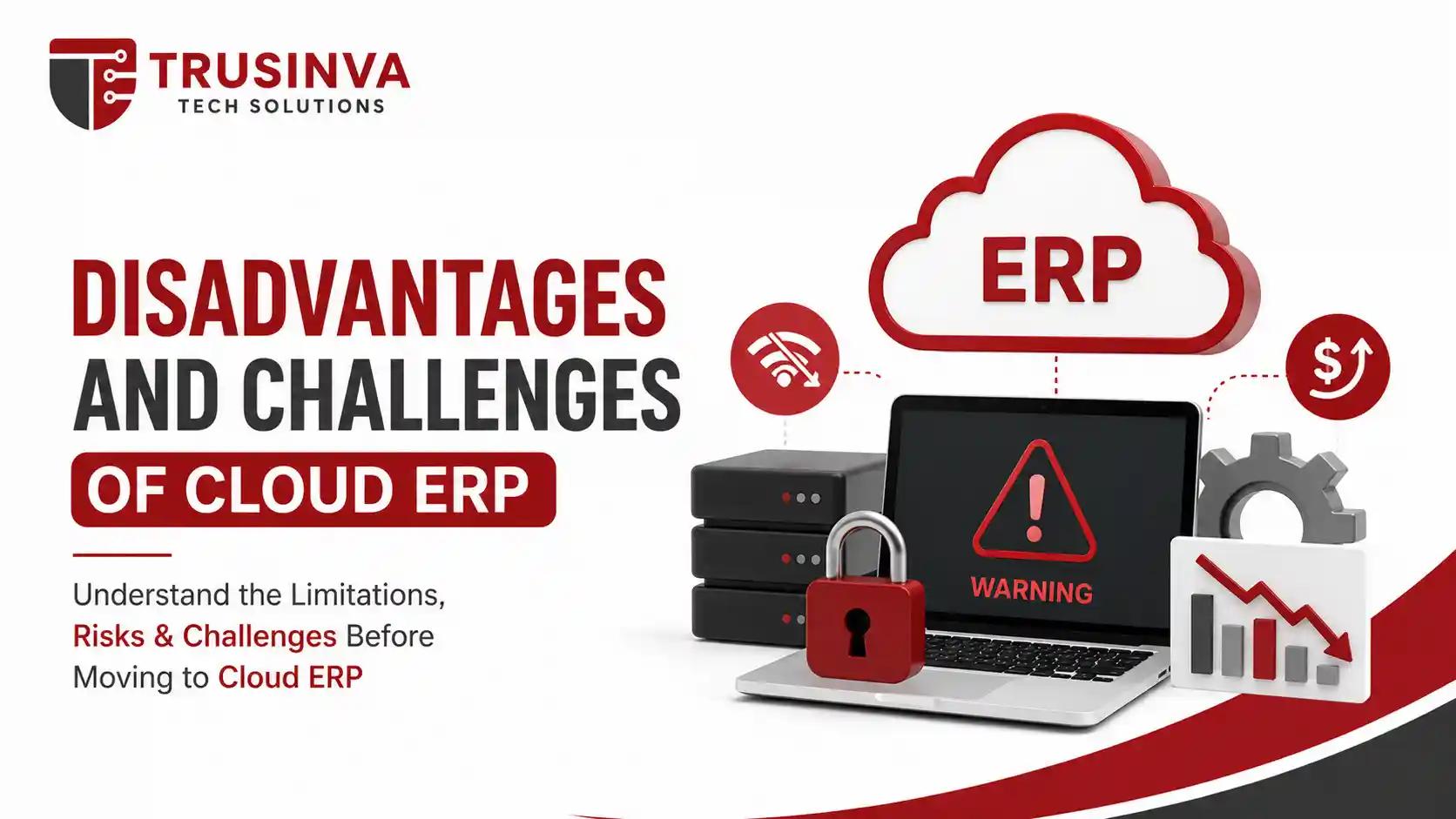
- Ongoing subscription costs — can exceed on-premise licensing over a long enough timeline
- Internet dependency — outages can disrupt access to critical systems
- Data residency concerns — some regulated industries require specific data storage locations
- Vendor lock-in risk — migrating away from a cloud ERP platform can be complex
- Customization limits — some cloud platforms restrict deep customization compared to on-premise systems
A well-planned implementation with an experienced enterprise software development partner helps minimize most of these risks, particularly around integration and customization planning.
Top Cloud ERP Vendors in 2026
| Vendor | Known For |
| SAP S/4HANA Cloud | Embedded AI across finance, supply chain, HR, and sales for large enterprises |
| Oracle Fusion Cloud ERP | Broad coverage including financials, procurement, project management, and supply chain |
| Microsoft Dynamics 365 | Connected finance, operations, and HR data with AI agents and Copilot integration |
| NetSuite | Popular with mid-sized and fast-growing businesses |
| Acumatica | Flexible, usage-based pricing model |
| Workday | Strong in HR and financial management for enterprises |
| Infor, Epicor, IFS, Sage Intacct | Industry-specific strengths in manufacturing, distribution, and services |
Choosing the right vendor depends heavily on company size, industry, and how deeply the ERP needs to integrate with existing tools like CRM or ecommerce platforms.
Cloud ERP Security and Compliance
Security is one of the most common objections to cloud ERP adoption — and one of the most misunderstood. Reputable cloud ERP vendors typically maintain certifications like SOC 2 and ISO/IEC 27001, and increasingly adopt Zero Trust Architecture principles for access control.
Depending on your industry, compliance requirements may include:
- HIPAA — for healthcare-related data
- PCI DSS — for payment card data
- SOX — for publicly traded companies' financial reporting
- GDPR — for businesses handling EU customer data
- FedRAMP — for government contractors
Important note: Cloud ERP compliance is a shared responsibility — the vendor secures the infrastructure, but your organization is still responsible for configuring access controls, user permissions, and data governance correctly.
Cloud ERP Cost and Pricing Models
Direct answer: Cloud ERP pricing is typically subscription-based, charged per user per month, with costs varying based on modules selected, number of users, and implementation complexity. Small businesses may pay a modest monthly fee per user, while large enterprise deployments involve significantly higher recurring and implementation costs.
Key cost factors:
- Number of licensed users
- Modules and add-ons selected
- Data migration complexity
- Level of custom integration needed
- Ongoing support and training
For a broader breakdown of how software costs are typically structured, see our guide on software development cost.
Implementation: Step-by-Step Guide
- Audit current systems — map existing finance, HR, and operational workflows
- Define clear requirements — list must-have modules and integrations
- Shortlist vendors — compare based on industry fit, not just brand recognition
- Plan data migration — clean and validate data before moving it
- Design integrations — connect CRM, ecommerce, or custom applications via API
- Train employees — dedicate real time to hands-on training, not just documentation
- Roll out in phases — avoid switching everything on at once
- Monitor post-launch — use built-in analytics to catch issues early and optimize workflows
Common Mistakes to Avoid
- Choosing a vendor based on price alone, ignoring industry fit
- Skipping proper data cleansing before migration
- Underestimating employee training time
- Failing to plan integrations with existing CRM or ecommerce systems
- Not defining clear KPIs to measure ERP success post-launch
AI and Future Trends in Cloud ERP
- AI agents embedded directly into ERP workflows for tasks like invoice matching and demand forecasting
- Generative AI assisting with report generation and natural-language data queries
- Predictive analytics becoming standard for supply chain and financial planning
- Low-code/no-code customization reducing reliance on developers for minor workflow changes
- Deeper integration with AI automation tools, similar to the trend covered in our piece on AI automation services
Why Choose Trusinva Tech Solutions
Cloud ERP implementation isn't just about picking software — it's about integrating it correctly with your existing tools, from your website to your CRM to your reporting systems. At Trusinva Tech Solutions, we bring together custom software development, CRM development, and AI development and automation to help businesses get real value from their ERP investment, not just a system that sits underused.
We also support broader digital growth once your operations are streamlined, including digital marketing and SEO services to help you capture the demand your more efficient operations can now handle.
FAQs
Q: Is cloud ERP suitable for small businesses? Yes. Many cloud ERP platforms like Acumatica and NetSuite offer flexible, scalable pricing designed for small and mid-sized businesses.
Q: How is cloud ERP different from SaaS in general? Cloud ERP is a specific category of SaaS focused on enterprise resource planning — finance, HR, and operations — rather than a single-purpose tool.
Q: Is cloud ERP more secure than on-premise ERP? Not inherently more or less secure — cloud vendors invest heavily in certified security infrastructure, but your organization still controls access configuration and data governance.
Q: How long does cloud ERP implementation take? Timelines range from a few weeks for small businesses to over a year for complex, multi-department enterprise rollouts.
Q: Can cloud ERP integrate with existing CRM or ecommerce platforms? Yes, most modern cloud ERP systems offer APIs for integrating with CRM, ecommerce, and other business tools.
Q: What's the biggest risk in cloud ERP implementation? Poor data migration planning and insufficient employee training are the two most common causes of failed rollouts.
Q: Should I choose an industry-specific cloud ERP? If your industry has unique compliance or workflow needs — like healthcare or manufacturing — an industry-specific ERP or heavily customized platform is usually worth the investment.
Conclusion
Cloud ERP has become the default choice for businesses that want centralized, real-time operations without the overhead of managing their own servers. From lower upfront costs to AI-powered automation, the advantages are significant — but only when the implementation is planned carefully, with the right vendor and the right integration strategy.
If you're ready to explore how cloud ERP could fit into your business, Trusinva Tech Solutions can help you plan the integration properly from day one. Browse our available courses to build your team's technical and business skills alongside your ERP rollout, or reach out through our contact page to discuss your project. Ready to strengthen your team's foundation before your ERP goes live? Book a Seat in one of our upcoming training courses today and set your business up for a smoother transition.