Quick Answer
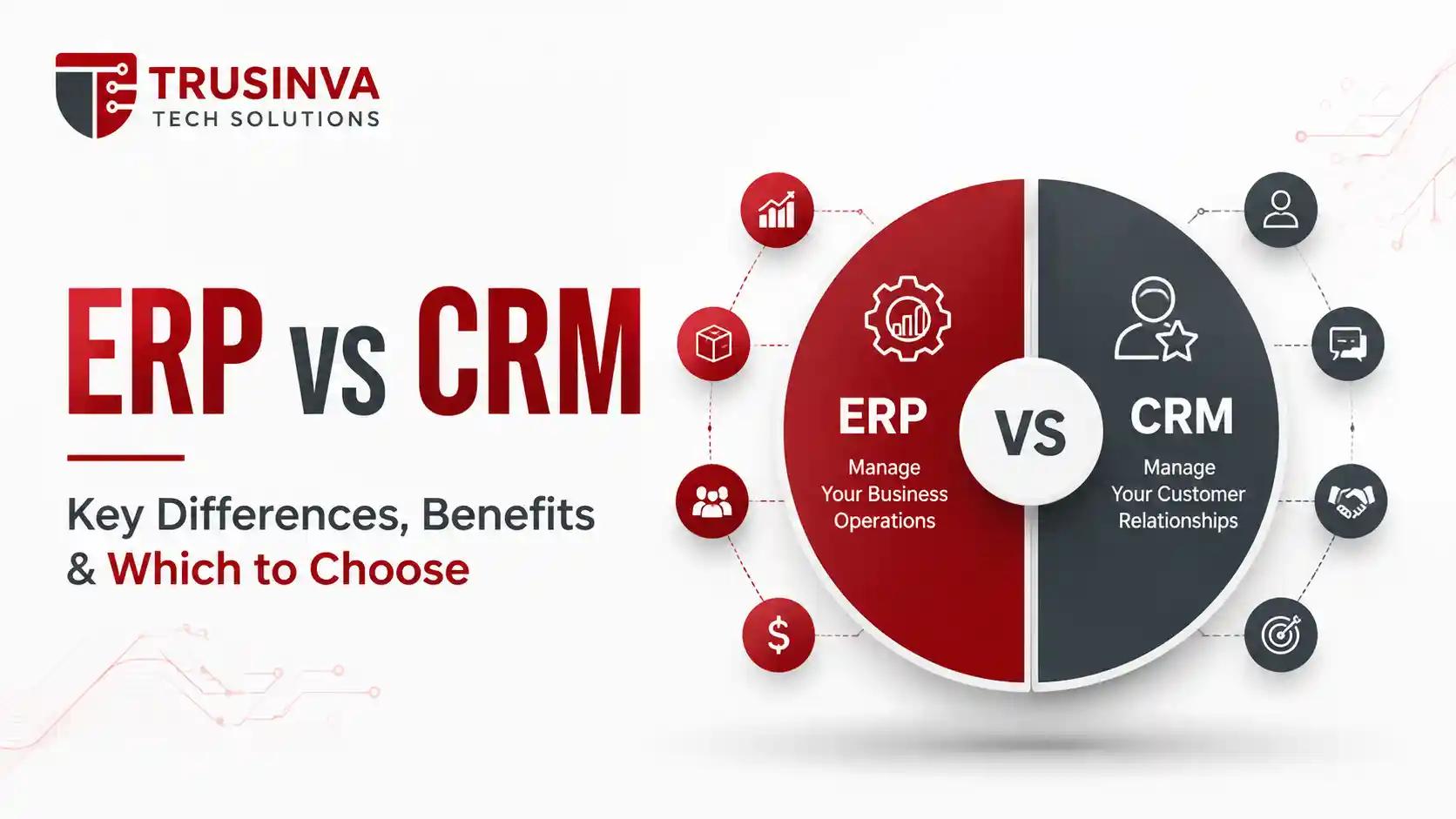
ERP (enterprise resource planning) manages internal operations like finance, inventory, and HR, while CRM (customer relationship management) manages customer-facing activities like sales, leads, and support. ERP is back-office focused; CRM is front-office focused. Many growing businesses eventually use both, integrated together.
Introduction
"Should we get an ERP or a CRM?" is one of the most common questions business owners ask once spreadsheets stop cutting it — and honestly, it's often the wrong question, because most growing businesses eventually need both working together. Trusinva Tech Solutions works with businesses at exactly this decision point, helping them figure out which system solves their actual bottleneck first.
This guide breaks down what ERP and CRM each do, where they overlap, and how to decide what your business needs right now versus later. If you're specifically evaluating customer-facing tools, our CRM development service page and our CRM features article go deeper on that side. For businesses leaning toward operational systems, our custom software development overview covers how custom-built systems compare to off-the-shelf platforms.
By the end, you'll know exactly which system (or combination) fits your business stage.
Key Takeaways
- ERP handles internal operations: finance, inventory, procurement, HR, and manufacturing
- CRM handles customer-facing activities: leads, sales pipeline, marketing, and support
- Small businesses often start with CRM first, then add ERP as operations scale
- ERP and CRM integration eliminates duplicate data entry between sales and operations teams
- The right choice depends on whether your biggest bottleneck is operational or customer-facing
Table of Contents
- What Is ERP?
- What Is CRM?
- ERP vs CRM: Core Differences
- What Each System Actually Manages
- Do You Need ERP, CRM, or Both?
- ERP and CRM Integration
- Cost Comparison
- Benefits and Disadvantages of Each
- Common Mistakes When Choosing
- Future Trends
- Why Choose Trusinva Tech Solutions
- Conclusion
- FAQs
1. What Is ERP?
ERP (enterprise resource planning) is software that centralizes a company's internal operations — finance, inventory, procurement, human resources, and manufacturing — into one connected system. It replaces disconnected spreadsheets and siloed departmental tools with a single source of operational truth.
ERP is fundamentally a back-office system. It answers questions like: How much inventory do we have? What's our current cash flow? Are payroll and benefits processed correctly? Platforms like SAP S/4HANA, Oracle Fusion Cloud ERP, Microsoft Dynamics 365, and NetSuite are common examples, alongside custom-built ERP systems designed around specific business workflows.
2. What Is CRM?
CRM (customer relationship management) is software that manages every interaction a business has with leads and customers — from first contact through the sales pipeline to post-sale support. It's a front-office system focused on revenue and customer experience.
CRM answers different questions than ERP: Where is this lead in the sales funnel? When did we last contact this customer? What's our sales forecast this quarter? Salesforce, HubSpot, Zoho CRM, and Microsoft Dynamics 365 are widely used CRM platforms, alongside custom CRM builds designed around specific sales processes.
3. ERP vs CRM: Core Differences
The core difference between ERP and CRM is what they manage: ERP handles internal business operations, while CRM handles external customer relationships. One looks inward at how the business runs; the other looks outward at how the business sells and serves.
| Factor | ERP | CRM |
| Primary focus | Internal operations | Customer relationships |
| Core users | Finance, HR, operations, procurement | Sales, marketing, customer service |
| Key data | Financial, inventory, HR records | Leads, contacts, deals, support tickets |
| Main goal | Operational efficiency | Revenue growth and retention |
| Common modules | Accounting, inventory, payroll, manufacturing | Sales pipeline, lead management, marketing automation |
| Example platforms | SAP, Oracle Fusion Cloud ERP, NetSuite | Salesforce, HubSpot, Zoho CRM |
4. What Each System Actually Manages
ERP typically manages:
- Financial management and accounting
- Inventory and warehouse management
- Procurement and vendor management
- Human resources and payroll
- Manufacturing and production planning
- Supply chain operations
CRM typically manages:
- Lead generation and qualification
- Sales pipeline and opportunity tracking
- Marketing automation and campaigns
- Customer support and service tickets
- Customer retention and loyalty programs
- Sales forecasting
Expert insight: A useful way to think about it — ERP protects your margins by keeping operations efficient, while CRM grows your revenue by keeping the sales pipeline healthy. Businesses struggling with cash flow or inventory usually need ERP first. Businesses struggling to convert leads or track deals usually need CRM first.
5. Do You Need ERP, CRM, or Both?
Most small businesses need CRM before ERP, since sales and customer relationships are typically the first bottleneck growing companies hit. ERP usually becomes necessary once the business has enough operational complexity — multiple product lines, inventory across locations, or a growing headcount — to outgrow spreadsheets and basic accounting software.
Choose CRM first if:
- Your sales team is losing track of leads
- You have no visibility into your sales pipeline
- Follow-ups and customer communication are inconsistent
Choose ERP first if:
- Inventory counts are frequently wrong
- Financial reporting takes days instead of minutes
- Multiple departments are working from different spreadsheets
Choose both together if:
- You're scaling fast and need both operational and sales visibility
- Sales and operations teams are duplicating data entry
- You're replacing multiple disconnected legacy tools at once
6. ERP and CRM Integration
Stop Managing Separate Systems. Start Building a Connected Business.
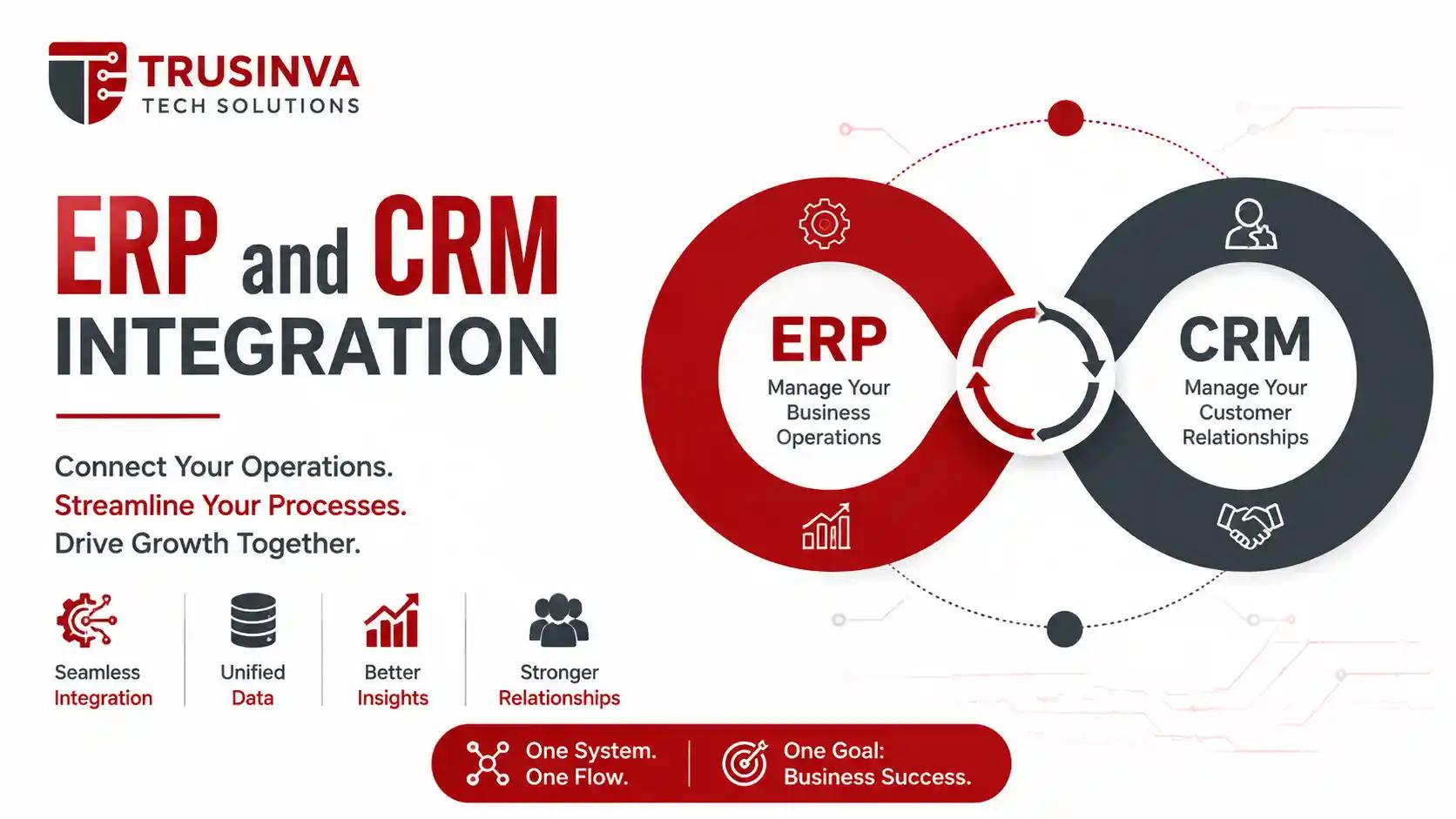
ERP and CRM integration connects operational data with customer data, so sales teams can see real-time inventory and order status, while operations teams get accurate demand forecasts based on the sales pipeline. This is typically done through REST APIs, middleware, or an integration platform (iPaaS).
Without integration, sales reps quote products that are actually out of stock, and finance teams reconcile orders manually between two disconnected systems. With integration, a closed deal in the CRM can automatically trigger inventory allocation and invoicing in the ERP — no duplicate data entry required.
Oracle's own documentation, for instance, explicitly lists integration with CRM platforms like Salesforce and Microsoft Dynamics as a standard capability, reflecting how normalized ERP-CRM integration has become across the industry.
7. Cost Comparison
CRM software generally costs less upfront than ERP, since it typically manages a narrower set of functions. Small business CRM often starts at $12–$99 per user per month for SaaS platforms, or $15,000–$40,000 for a custom-built system. ERP costs more due to its broader scope — custom ERP builds typically range from $15,000 for small businesses to $250,000+ for enterprise systems.
| System | Small Business Cost | Enterprise Cost |
| CRM (SaaS) | $12–$99/user/month | Custom enterprise pricing |
| CRM (custom-built) | $15,000 – $40,000 | $80,000+ |
| ERP (custom-built) | $15,000 – $45,000 | $120,000 – $250,000+ |
8. Benefits and Disadvantages of Each
ERP benefits: Centralized operational data, real-time financial visibility, reduced manual errors, better resource planning ERP disadvantages: Higher upfront cost, longer implementation timeline, requires cross-department buy-in
CRM benefits: Better lead tracking, improved sales forecasting, stronger customer retention, faster onboarding for sales reps CRM disadvantages: Limited value without clean data entry, can become underused without proper team adoption, doesn't solve operational bottlenecks
9. Common Mistakes When Choosing
- Buying ERP before the business actually has operational complexity to justify it
- Choosing CRM based on features the sales team will never use
- Assuming ERP and CRM will "just work together" without planning integration
- Skipping staff training, which tanks adoption for either system
- Not accounting for long-term scalability when the business only looks at current needs
10. Future Trends
Both ERP and CRM are moving toward AI-assisted operations — CRM platforms are adding AI agents for lead scoring and follow-up automation, while ERP systems are adding predictive analytics for inventory and financial forecasting. The line between the two is also blurring, with unified platforms increasingly offering both operational and customer-facing modules under one roof.
Businesses exploring this shift often start with targeted automation rather than a full platform overhaul. Our AI automation services and AI for small businesses resources cover how this typically gets implemented in phases.
Why Choose Trusinva Tech Solutions
Trusinva Tech Solutions helps businesses figure out whether they need ERP, CRM, or an integrated combination of both — based on actual operational bottlenecks, not guesswork. The team builds custom systems around real workflows instead of forcing businesses into rigid, pre-built templates.
What the team offers:
- Custom CRM development built around your actual sales process, not generic pipelines
- Custom ERP development for businesses that have outgrown spreadsheets and disconnected tools
- ERP-CRM integration planning so sales and operations teams work from the same real-time data
- Experience across software development, SaaS platforms, and web development for businesses that need more than one system connected
- Additional expertise in UI/UX design so dashboards are actually usable by non-technical staff
You can see past client work on the projects page or learn more about the team on the about page.
Conclusion
ERP and CRM solve different problems — one keeps your internal operations efficient, the other keeps your revenue pipeline healthy — and most growing businesses eventually need both, ideally integrated rather than running in isolation. The right starting point depends on whether your current bottleneck is operational (inventory, finance, HR) or customer-facing (leads, sales, support).
The clearest next step is a short conversation to map your actual bottleneck before committing to either system. Trusinva Tech Solutions offers exactly that. If you're ready to figure out whether ERP, CRM, or both make sense for your business, Book a Seat for a free consultation and get a clear, honest recommendation instead of a guess.
FAQs
1. What is the main difference between ERP and CRM? ERP manages internal business operations like finance and inventory, while CRM manages customer-facing activities like sales and support.
2. Can a business use both ERP and CRM together? Yes, and many growing businesses do — integrating the two so sales and operations teams share real-time data.
3. Which is cheaper, ERP or CRM? CRM is generally cheaper upfront since it covers a narrower scope, while ERP costs more due to its broader operational functions.
4. Should a small business start with ERP or CRM? Most small businesses start with CRM first, since sales and customer tracking is usually the earliest operational bottleneck.
5. What's an example of ERP and CRM integration? A closed deal in the CRM automatically triggering inventory allocation and invoicing in the ERP is a common integration example.
6. Is Salesforce an ERP or a CRM? Salesforce is a CRM platform, focused on sales, marketing, and customer service rather than internal operations like finance or inventory.
7. Does every business need ERP? No — businesses with simple, low-volume operations often manage fine without ERP until they scale beyond basic accounting and spreadsheets.
8. How long does ERP or CRM implementation take? CRM implementation typically takes weeks, while ERP implementation usually takes several months due to its broader operational scope.