Quick Answer
Enterprise application development is the process of designing, building, and maintaining large-scale software systems that support complex business operations — such as ERP, CRM, and workflow automation platforms — across an entire organization. It typically involves custom architecture, system integration, strict security requirements, and long-term scalability planning, and is usually built by an in-house team or a specialized enterprise software development company.
Introduction
Every large organization eventually hits the same wall: the off-the-shelf software that worked fine at a smaller scale starts breaking down under the weight of complex workflows, multiple departments, and growing data. That's the point where enterprise application development becomes essential. At Trusinva Tech Solutions, we help businesses move past that wall by building custom, scalable systems designed around how they actually operate. Whether you're evaluating custom software development, planning a CRM development rollout, exploring AI development and automation, or simply trying to understand what an enterprise software development company actually does, this guide breaks down the entire process — from architecture decisions to security requirements to realistic cost expectations.
Key Takeaways
- Enterprise application development differs from standard software projects because of scale, integration complexity, security requirements, and long-term maintainability needs.
- Common architecture patterns include microservices, service-oriented architecture (SOA), event-driven architecture, and modular monoliths.
- Security and compliance — including OWASP, ISO/IEC 27001, SOC 2, HIPAA, and GDPR — are non-negotiable parts of enterprise development, not add-ons.
- Costs vary widely based on scope, integrations, and compliance needs, so most enterprises budget in phases rather than a single fixed price.
- Cloud-native architecture, AI-powered automation, and API-first integration are the biggest trends shaping enterprise applications in 2026.
- Choosing the right development partner matters as much as choosing the right technology stack.
Table of Contents
- What Is Enterprise Application Development?
- Enterprise Application Development vs. Standard Software Development
- Core Components of an Enterprise Application
- The Enterprise Application Development Lifecycle
- Common Enterprise Application Architectures
- Key Technologies Used in Enterprise Development
- Benefits of Enterprise Application Development
- Challenges and Common Mistakes
- Security, Compliance, and Governance
- Cost of Enterprise Application Development
- How to Choose an Enterprise Application Development Company
- Future Trends in Enterprise Applications
- Frequently Asked Questions
- Conclusion
1. What Is Enterprise Application Development?
Enterprise application development is the process of building large-scale, mission-critical software systems that support the operations of an entire organization rather than a single team or function. These applications typically integrate with multiple departments, data sources, and third-party systems, and are engineered for high availability, strict security, and long-term scalability.
Common examples include:
- Enterprise Resource Planning (ERP) systems
- Customer Relationship Management (CRM) platforms
- Human Resource Management (HRM) systems
- Supply Chain Management (SCM) software
- Business Intelligence (BI) and reporting platforms
- Enterprise Content Management (ECM) systems
- Business Process Management (BPM) tools
Unlike a simple internal tool, an enterprise application is built to handle thousands of concurrent users, complex business logic, and interoperability across the entire technology ecosystem of a company.
2. Enterprise Application Development vs. Standard Software Development
The main difference between enterprise application development and standard software development is scale, integration complexity, and long-term operational risk. A standard app might serve one use case for a limited audience; an enterprise application must support multiple departments, comply with strict regulations, and remain stable for years without major rework.
| Factor | Standard Software Development | Enterprise Application Development |
| Scale | Single team or use case | Organization-wide |
| Integration needs | Minimal | Extensive (ERP, CRM, APIs, legacy systems) |
| Security requirements | Basic | Strict (SOC 2, ISO 27001, HIPAA, GDPR) |
| Architecture | Simple, often monolithic | Microservices, SOA, event-driven |
| Maintenance timeline | Short to medium term | Long-term, often 5-10+ years |
| Decision-making | Small team | Multiple stakeholders, compliance, IT governance |
3. Core Components of an Enterprise Application
Every well-built enterprise application generally includes the following components:
- Business logic layer — handles the organization's specific rules, workflows, and processes
- Data layer — includes databases such as PostgreSQL, Microsoft SQL Server, Oracle Database, or MongoDB, depending on data structure needs
- Integration layer — connects the application to other systems via REST APIs, GraphQL, SOAP, or an API gateway
- Identity and access management — role-based access control, single sign-on (SSO), OAuth 2.0, OpenID Connect, or SAML
- User interface layer — web, mobile, or both, often supporting multiple user roles (employee portals, customer portals, partner portals)
- Monitoring and observability layer — logging, tracing, and real-time monitoring for uptime and performance
- Security layer — encryption, audit logging, and compliance controls built in from the start, not added later
4. The Enterprise Application Development Lifecycle
The enterprise application development lifecycle follows a structured process: requirements gathering, architecture design, development, integration, testing, deployment, and ongoing maintenance. Each phase requires more rigor than a typical software project because enterprise systems support critical business functions.
Step-by-Step Process
- Requirements gathering — mapping functional and non-functional requirements across departments and stakeholders
- Architecture and system design — choosing the right architecture pattern (microservices, SOA, modular monolith) based on scale and integration needs
- Technology stack selection — deciding on languages, frameworks, cloud providers, and databases
- Development and implementation — building the application in iterative sprints, typically using Agile or Scrum
- System integration — connecting the new application to existing ERP, CRM, or legacy systems
- Testing and quality assurance — functional testing, security testing, load testing, and user acceptance testing
- Deployment — rolling out through CI/CD pipelines, often in phased releases to reduce risk
- Monitoring and maintenance — ongoing observability, performance tuning, and long-term support
5. Common Enterprise Application Architectures
Enterprise applications are typically built using microservices, service-oriented architecture (SOA), event-driven architecture, or a modular monolith — the choice depends on scale, team structure, and integration complexity. There's no single "correct" architecture; the right choice depends on the organization's specific needs.
| Architecture | Best For | Trade-Off |
| Microservices | Large teams, independent scaling needs | Higher operational complexity |
| Modular Monolith | Mid-sized teams, simpler deployment | Less independent scalability |
| Service-Oriented Architecture (SOA) | Complex enterprise integration | Can become heavyweight without governance |
| Event-Driven Architecture | Real-time data processing, high responsiveness | Requires strong message queue infrastructure |
| Serverless | Variable workloads, cost efficiency | Less control over infrastructure |
Expert insight: Many enterprises jump straight to microservices because it's the trend, without the team size or DevOps maturity to manage the added complexity. A modular monolith is often the smarter starting point — it's easier to maintain and can be broken into microservices later as the system genuinely needs it.
6. Key Technologies Used in Enterprise Development
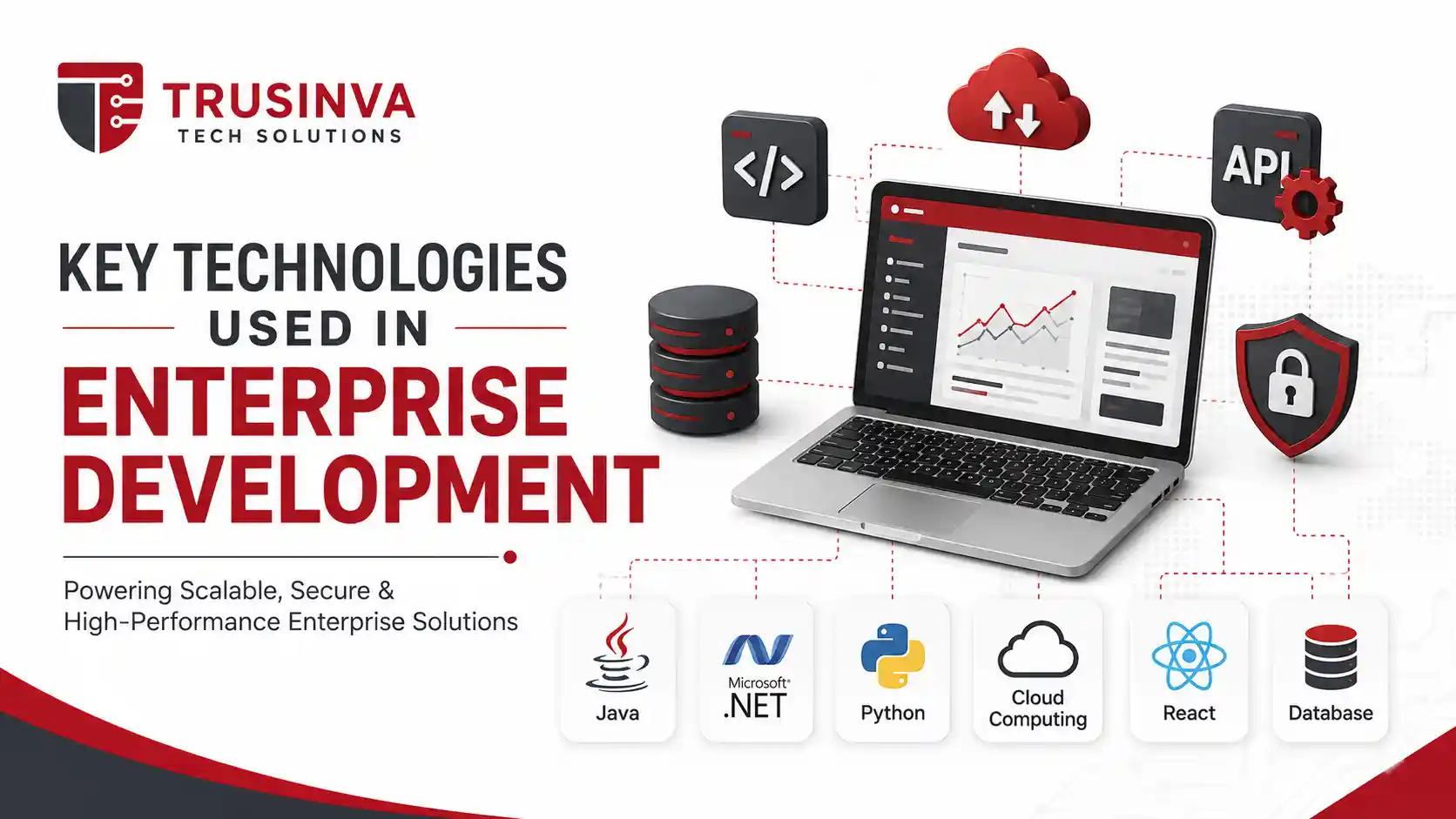
Enterprise applications are built using a wide range of technologies, chosen based on scalability, security, and long-term support requirements:
- Backend languages/frameworks: Java, C#/.NET, Python, Go, Spring Boot, ASP.NET Core, Django
- Frontend frameworks: React, Angular, Vue
- Databases: PostgreSQL, MySQL, Microsoft SQL Server, Oracle Database, MongoDB, Redis, Snowflake
- Cloud platforms: Amazon Web Services, Microsoft Azure, Google Cloud
- Containerization/orchestration: Docker, Kubernetes
- CI/CD tools: Jenkins, GitHub Actions, GitLab CI/CD, Terraform for infrastructure as code
- Integration tools: Kafka, RabbitMQ, MuleSoft, Apache Camel, API gateways
- Enterprise platforms: SAP, Oracle Cloud, Salesforce, Microsoft Dynamics 365, ServiceNow, Workday, NetSuite
This is also where AI is starting to play a growing role — from AI-assisted code generation to intelligent workflow automation within enterprise platforms. Businesses exploring this shift can learn more through our AI development and automation services.
7. Benefits of Enterprise Application Development
- Tailored to actual business processes rather than forcing workflows to fit generic software
- Better long-term scalability than off-the-shelf tools that weren't designed for enterprise-scale data
- Improved system integration across departments, reducing data silos
- Stronger security posture, built to meet compliance requirements from the ground up
- Competitive advantage through workflows and features competitors using generic software simply can't replicate
- Better data visibility through centralized reporting and business intelligence
8. Challenges and Common Mistakes
⚠️ Important Note: The most expensive mistake in enterprise application development isn't a technical one — it's skipping proper requirements gathering. Rework caused by unclear requirements is consistently one of the biggest cost drivers in enterprise software projects.
Common challenges include:
- Underestimating integration complexity with existing legacy systems
- Choosing architecture based on trends rather than actual team capacity and scale needs
- Delaying security and compliance planning until late in development
- Poor stakeholder alignment across departments with competing priorities
- Insufficient testing for load, security, and edge cases at enterprise scale
- Underinvesting in documentation, which creates long-term maintenance headaches
- Ignoring change management — even great software fails if employees aren't trained to use it
9. Security, Compliance, and Governance
Enterprise applications must be built with security and compliance as core design requirements, not afterthoughts, because they typically handle sensitive business, customer, or patient data. The specific frameworks that apply depend on the industry and data being processed.
Relevant standards and frameworks include:
- NIST Cybersecurity Framework and NIST SSDF (Secure Software Development Framework)
- OWASP and the OWASP API Security Top 10
- ISO/IEC 27001 for information security management
- ISO/IEC 25010 for software quality standards
- SOC 2 for service organization controls
- HIPAA for healthcare data
- GDPR for data privacy involving EU residents
- PCI DSS for payment card data
- FedRAMP for applications serving U.S. government agencies
Healthcare organizations building patient-facing or clinical systems should pay particular attention to HIPAA-aligned architecture from day one — our healthcare software solutions work is built around exactly this requirement. Similarly, manufacturing and logistics businesses have their own compliance and integration needs, which we address through our manufacturing software solutions and truck dispatch software offerings.
10. Cost of Enterprise Application Development
Enterprise application development costs vary significantly based on scope, integrations, compliance requirements, and team structure — there's no fixed industry-wide price. Instead of asking for a flat number, businesses should budget based on project phases: discovery, architecture, development, integration, testing, and ongoing maintenance.
Key cost factors include:
- Number of integrations with existing systems (ERP, CRM, legacy databases)
- Compliance and security requirements (HIPAA, SOC 2, PCI DSS add development time)
- Custom UI/UX complexity across web and mobile
- Cloud infrastructure and hosting costs
- Ongoing maintenance, monitoring, and support after launch
Expert tip: Enterprises that build a phased roadmap — starting with a core module and expanding — generally see better ROI and fewer costly pivots than those trying to build the entire system at once.
11. How to Choose an Enterprise Application Development Company
Use this checklist when evaluating a potential development partner:
☑ Proven experience with enterprise-scale architecture (microservices, SOA, event-driven systems) ☑ Demonstrated understanding of your industry's compliance requirements ☑ Clear approach to system integration with your existing tools ☑ Transparent development process with regular milestones ☑ Strong security practices built into the development lifecycle, not bolted on afterward ☑ Post-launch support and maintenance plan ☑ Case studies or a portfolio showing comparable enterprise projects
If you're comparing providers for a broader digital transformation initiative, it's also worth reviewing complementary services like ERP development, SaaS application development, and UI/UX design — since enterprise software success often depends as much on usability as on backend architecture.
12. Future Trends in Enterprise Applications
- AI-powered business applications — from intelligent automation to AI-assisted decision-making embedded directly into enterprise workflows
- API-first and composable architecture — enterprises increasingly build modular systems that can be reconfigured rather than rebuilt
- Zero trust security models replacing traditional perimeter-based security
- Increased adoption of hybrid and multi-cloud strategies for resilience and vendor flexibility
- Greater use of low-code/no-code tools for internal enterprise workflows, alongside custom development for core systems
- Rising regulatory scrutiny around data privacy and AI use in enterprise software, especially under evolving interpretations of GDPR and sector-specific U.S. regulations
Analysts at Gartner and McKinsey & Company have both noted that digital transformation spending continues to shift toward platforms that can integrate AI and automation directly into existing enterprise workflows, rather than treating them as separate initiatives.
13. Why Choose Trusinva Tech Solutions
Trusinva Tech Solutions builds enterprise applications with a focus on real business workflows, not generic templates — combining custom architecture, security-first development, and long-term support in one place. Instead of treating your project as a one-off build, our team works as a long-term technology partner across the entire application lifecycle.
Here's what sets us apart:
- End-to-end capability — from custom software development and CRM development to AI development and automation, we handle the full stack instead of outsourcing pieces to multiple vendors
- Industry-specific expertise — dedicated experience across healthcare software solutions, manufacturing software solutions, and truck dispatch software, so we understand your compliance and workflow needs from day one
- Security-first development process — compliance and data protection are built into the architecture, not added as an afterthought
- Transparent, phased delivery — clear milestones so you always know what's being built and why
- Post-launch partnership — ongoing maintenance, monitoring, and support instead of a "build and disappear" approach
- Practical, business-first advice — our recommendations are based on what actually fits your scale and budget, not the latest trend
Whether you're a startup building your first scalable platform or an enterprise modernizing a legacy system, our projects portfolio and about page reflect the kind of long-term, results-driven partnerships we build with clients.
Frequently Asked Questions
What is the difference between enterprise software and regular business software? Enterprise software is built to support an entire organization's complex, interconnected workflows at scale, while regular business software typically serves a single team or narrow use case with simpler integration needs.
How long does enterprise application development take? Timelines vary widely, but most enterprise projects take anywhere from 4 to 18 months depending on scope, number of integrations, and compliance requirements. Phased rollouts can get core functionality live faster.
Is microservices architecture always the right choice for enterprise applications? No. Microservices work well for large teams with strong DevOps maturity, but smaller teams often benefit more from a modular monolith, which is easier to build, deploy, and maintain until true scaling needs emerge.
What industries need enterprise application development the most? Healthcare, finance, manufacturing, logistics, and SaaS companies most commonly need custom enterprise applications due to complex regulatory requirements and large-scale operational data.
Can small and mid-sized businesses benefit from enterprise-grade software? Yes, especially growing companies anticipating scale. Building with enterprise-grade architecture early can prevent costly rework later, though the scope should match current business size and budget.
What security standards should an enterprise application follow? At minimum, most enterprise applications should align with OWASP security practices and ISO/IEC 27001, with additional frameworks like HIPAA, SOC 2, or PCI DSS layered in based on the industry and data handled.
How much does enterprise application development cost? Costs depend heavily on integrations, compliance needs, and architecture complexity, so most enterprises budget by project phase rather than expecting a single fixed price upfront.
Should enterprises build custom software or buy off-the-shelf platforms like SAP or Salesforce? It depends on the use case. Off-the-shelf platforms work well for standardized processes, while custom development makes sense when business workflows are unique enough that generic software creates friction or limitations.
Conclusion
Enterprise application development isn't just about writing more code — it's about designing systems that can handle real organizational complexity: multiple departments, strict security requirements, deep integrations, and years of operational life. The businesses that get it right start with clear requirements, choose architecture based on actual needs rather than trends, and build security and compliance in from day one rather than retrofitting them later. If your organization is ready to move beyond generic software and build something designed around how you actually operate, Trusinva Tech Solutions can help you plan and build it the right way. And if your team wants to build in-house expertise alongside your next project, you can Book a Seat in one of our professional courses to get your people up to speed before implementation begins.