Quick Answer
Custom ERP software development is the process of building an enterprise resource planning system tailored to a specific business's workflows, rather than adapting the business to a pre-built platform. It typically covers finance, inventory, HR, and CRM modules, connected through APIs, with full ownership of the source code, database, and integrations.
Introduction
Most businesses don't outgrow their tools overnight — it happens slowly, one disconnected spreadsheet and one manual report at a time, until nobody trusts the numbers anymore. That's usually the point where companies start looking into custom ERP software development instead of stitching together more point solutions. Trusinva Tech Solutions builds these systems for businesses that have outgrown generic software and need something built around how they actually work.
This guide walks through the full picture: how custom ERP differs from platforms like SAP or NetSuite, the architecture behind a modern ERP system, realistic development costs, and the step-by-step process a development team follows. If you're comparing this against other paths, our custom software development overview and our enterprise-focused software development company article are useful companion reads. For businesses that also need customer-facing systems alongside ERP, our CRM development service page covers the overlap.
By the end, you'll know exactly what to expect from the process — and what questions to ask before signing with a development partner.
Key Takeaways
- Custom ERP development gives businesses full control over modules, data, and integrations
- Cloud-native architecture (microservices, REST APIs) has become the standard for new ERP builds
- Security frameworks like OWASP ASVS and ISO/IEC 27001 are now baseline expectations, not optional extras
- Development typically follows discovery, architecture, build, migration, testing, and deployment phases
- Custom-built systems avoid the recurring per-user licensing costs of platforms like SAP or NetSuite
Table of Contents
- What Is Custom ERP Software Development?
- How Custom ERP Differs from Off-the-Shelf Platforms
- Core Modules in a Custom ERP System
- ERP System Architecture Explained
- Technology Stack Used in Modern ERP Development
- The ERP Development Lifecycle (Step-by-Step)
- Security & Compliance in ERP Systems
- Cost of Custom ERP Software Development
- Benefits and Disadvantages of Custom ERP
- Common Mistakes in ERP Development
- Future Trends in ERP Development
- Why Choose Trusinva Tech Solutions
- Conclusion
- FAQs
What Is Custom ERP Software Development?
Custom ERP software development means designing and building an enterprise resource planning system from the ground up, built specifically around one company's workflows, data structures, and compliance needs. Unlike buying a license for SAP S/4HANA or Oracle Fusion Cloud ERP, the business owns the code, the database, and every customization.
An ERP system's job is to centralize business data — finance, inventory, HR, procurement, sales — into one platform so departments stop working from conflicting spreadsheets. Custom development means every module is scoped to what the business actually needs, not what a vendor decided most companies need.
This matters most for companies with workflows that don't map cleanly onto generic software: multi-entity manufacturers, regulated healthcare billing operations, or logistics companies with non-standard routing logic.
How Custom ERP Differs from Off-the-Shelf Platforms
The core difference is ownership and flexibility. Off-the-shelf ERP platforms like SAP, Oracle Fusion Cloud ERP, Microsoft Dynamics 365, and NetSuite come with pre-built modules and per-user licensing, while custom ERP is built module-by-module around the business's exact processes.
| Factor | Custom ERP | Off-the-Shelf ERP (SAP, Oracle, NetSuite) |
| Cost structure | One-time build + maintenance | Recurring per-user licensing |
| Flexibility | Built around your workflows | You adapt to the platform's workflows |
| Time to launch | Longer initial build | Faster initial deployment |
| Code ownership | Full ownership | Vendor-controlled |
| Customization cost | Included in scope | Often expensive change requests |
| Best fit | Unique or complex workflows | Standardized processes, fast rollout |
Neither option is universally "better" — it depends on how standard your operations are. A company running textbook accounting and inventory processes may do fine on NetSuite. A company with unusual approval chains or industry-specific compliance needs usually outgrows that flexibility fast.
Core Modules in a Custom ERP System
Most custom ERP builds start with a subset of these modules and expand over time:
- Finance & Accounting – General ledger, accounts payable/receivable, budgeting, forecasting
- Inventory & Warehouse Management – Stock tracking, reorder automation, multi-location visibility
- Procurement – Purchase orders, vendor management, approval workflows
- Human Resources & Payroll – Employee records, payroll processing, benefits administration
- CRM / Sales – Pipeline tracking, quoting, customer data
- Manufacturing / Production Planning – Bill of materials, production schedules, quality management
- Supply Chain & Logistics – Shipment tracking, supplier coordination
- Project & Asset Management – Resource allocation, project budgets, equipment tracking
- Business Intelligence & Reporting – Dashboards, predictive analytics, real-time reporting
Expert tip: Don't build all modules at once. Start with the two or three departments generating the most manual work — usually finance and inventory — then expand once the team trusts the new system.
ERP System Architecture Explained
A modern custom ERP system is typically built on a microservices architecture, where each module (finance, inventory, HR) runs as an independent service connected through REST APIs or GraphQL. This replaces the older monolithic ERP architecture that made updates slow and risky.
Key architectural components include:
- Centralized database – Often PostgreSQL, MySQL, or Microsoft SQL Server, storing master data and transactional data
- API layer – REST APIs or GraphQL connecting modules and third-party integrations
- Authentication & authorization – OAuth 2.0 or OpenID Connect with role-based access control (RBAC)
- Cloud infrastructure – Hosted on AWS, Microsoft Azure, or Google Cloud
- Containerization – Docker and Kubernetes for scalable deployment
- Caching layer – Redis for performance on high-traffic modules like inventory lookups
This architecture allows individual modules to scale independently — a manufacturer running heavy production analytics doesn't need to scale their HR module the same way.
Technology Stack Used in Modern ERP Development
There's no single "correct" ERP tech stack, but most modern custom builds share a similar shape: a strongly-typed backend language, a component-based frontend, and cloud-native infrastructure.
Common backend choices: Java, Python, C#/.NET, Node.js Common frontend choices: React, Angular, Vue.js Databases: PostgreSQL, MySQL, Microsoft SQL Server, Oracle Database Infrastructure: AWS, Microsoft Azure, Google Cloud, Docker, Kubernetes DevOps: CI/CD pipelines for continuous deployment and testing
The right stack depends less on trends and more on the team's long-term maintainability needs and the integrations the ERP will need to support — payment gateways, banking APIs, eCommerce platforms, or existing HRMS systems.
The ERP Development Lifecycle (Step-by-Step)
- Discovery & Business Analysis – Mapping current workflows, pain points, and required modules
- System Architecture Design – Choosing cloud vs. hybrid deployment, database design, integration points
- UI/UX Design – Designing dashboards and workflows that match how staff actually work
- Backend & API Development – Building core modules and integration endpoints
- Frontend Development – Building the interfaces staff will use daily
- Data Migration – Moving records from legacy systems or spreadsheets
- Integration Testing & User Acceptance Testing (UAT) – Validating workflows before go-live
- Deployment – Rolling out module-by-module or department-by-department
- Maintenance & Support – Ongoing updates, bug fixes, and feature additions
Rolling deployment out in phases — rather than all at once — significantly reduces the operational risk of a full-scale ERP launch, especially for businesses with 50+ employees relying on the system daily.
Security & Compliance in ERP Systems
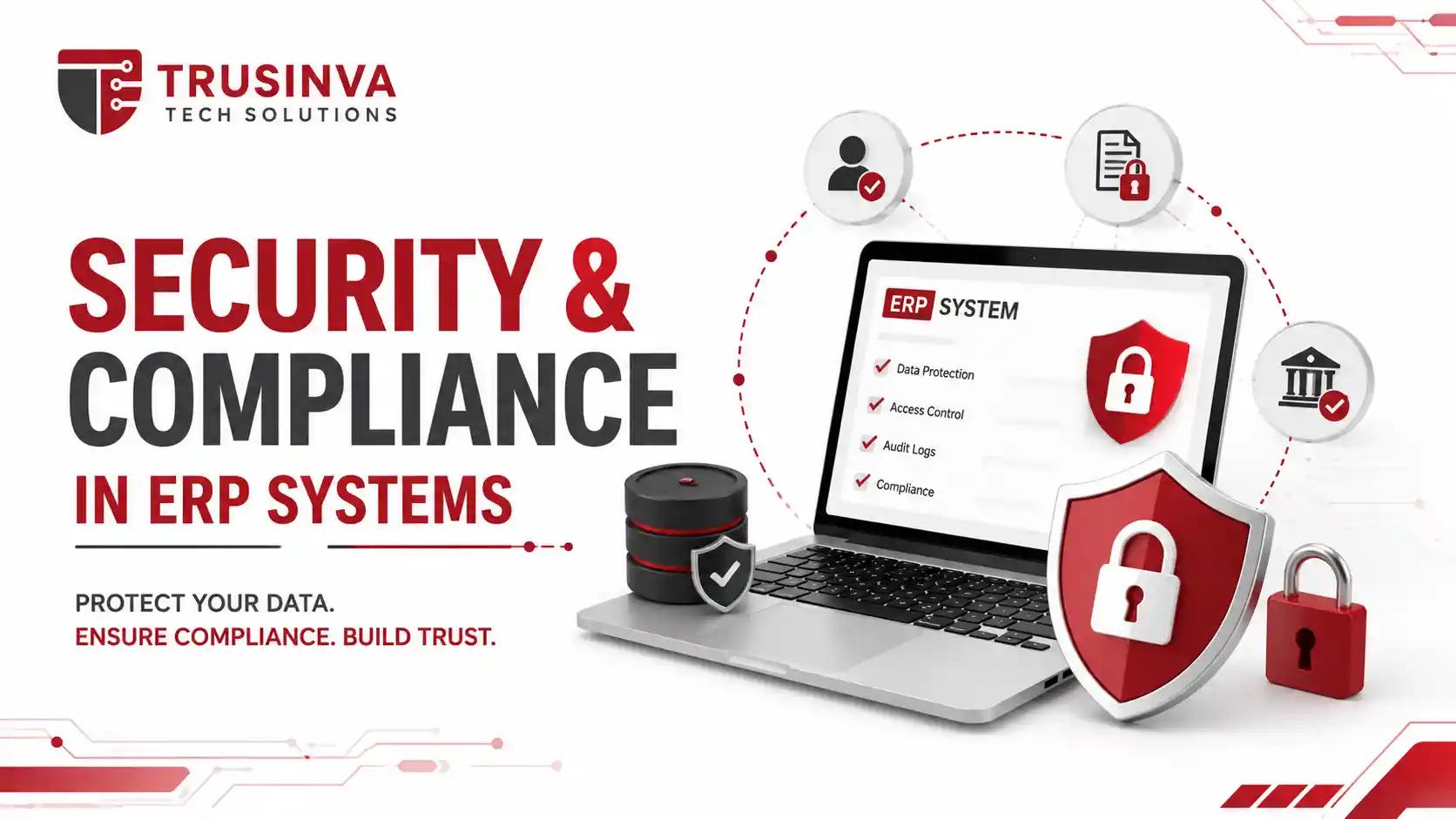
ERP systems store a company's most sensitive data — financial records, employee information, and customer data — which makes security a core part of development, not an afterthought. Custom ERP builds should follow recognized frameworks like OWASP ASVS for application security and align with ISO/IEC 27001 for information security management.
Baseline security practices for ERP systems include:
- Role-based access control (RBAC) limiting data visibility by department
- Multi-factor authentication (MFA) for all administrative accounts
- Encryption at rest and in transit
- Audit logging for every financial and HR transaction
- Regular vulnerability management and penetration testing
- Documented disaster recovery and business continuity plans
Important note: Businesses in regulated industries — healthcare billing, financial services — should confirm their ERP development partner has direct experience building audit-ready systems, not just general software experience.
Cost of Custom ERP Software Development
Custom ERP software development typically costs between $15,000 and $250,000+, depending on the number of modules, integration complexity, and data migration scope. Smaller builds with 2-3 modules sit at the lower end; multi-department enterprise systems with complex integrations sit at the higher end.
| Project Scope | Estimated Cost | Typical Timeline |
| Small business ERP (2-3 modules) | $15,000 – $45,000 | 8–14 weeks |
| Mid-size ERP (4-6 modules) | $45,000 – $120,000 | 3–6 months |
| Enterprise ERP (full suite, multi-location) | $120,000 – $250,000+ | 6–12 months |
The biggest cost drivers are usually legacy data migration complexity, the number of third-party integrations (payment gateways, banking APIs, existing HRMS or CRM platforms), and how many custom approval workflows the business needs. For a broader cost comparison across software types, see our software development cost breakdown.
Benefits and Disadvantages of Custom ERP
Benefits:
- Full ownership of source code and data
- No recurring per-user licensing fees
- Built around actual workflows instead of generic templates
- Easier long-term scalability as the business grows
- Tighter integration with existing internal tools
Disadvantages:
- Higher upfront development cost than SaaS subscriptions
- Longer initial build timeline
- Requires an experienced, reliable development partner
- Ongoing maintenance responsibility sits with the business (or its dev partner)
Common Mistakes in ERP Development
- Trying to migrate every department simultaneously instead of phasing rollout
- Skipping proper staff training, which kills adoption regardless of how good the system is
- Adding modules the business doesn't actually need yet
- Underestimating how messy legacy data migration really is
- Choosing a development partner based on price alone, without checking post-launch support
Future Trends in ERP Development
ERP development in 2026 is shifting toward AI-assisted operations — predictive analytics flagging inventory shortages before they happen, and AI agents automating routine approval and reconciliation tasks. Cloud-native, API-first architecture continues to replace older monolithic ERP installs, and both SAP and Oracle have publicly leaned into AI-driven finance and operations within their platforms, signaling where the broader market is heading.
For businesses exploring this shift gradually rather than all at once, our AI automation services and AI development company resources cover how automation is typically layered onto existing business systems.
Why Choose Trusinva Tech Solutions
Trusinva Tech Solutions designs and builds custom ERP systems around how a business actually operates, not around a vendor's assumptions about how it should. The team has worked across manufacturing, healthcare, logistics, and eCommerce businesses that needed something more flexible than off-the-shelf platforms could offer.
What the team brings to an ERP project:
- Custom module development instead of forcing a rigid template onto your workflows
- Phased implementation planning that reduces operational disruption during rollout
- Ongoing maintenance and support after launch, not a one-time handoff
- Experience connecting ERP with CRM systems, SaaS platforms, and existing internal tools
- Additional in-house expertise in web development, blockchain development for supply chain transparency, and UI/UX design for dashboards teams will actually want to use
You can browse past work on the projects page or read more about the team on the about page.
Conclusion
Custom ERP software development makes the most sense once a business's workflows have outgrown what generic platforms can flexibly support — and once the recurring cost of multiple disconnected tools starts outweighing the upfront investment of building something purpose-built. The right approach depends on module complexity, integration needs, and how much long-term control the business wants over its own data.
The most useful next step is a discovery conversation to map current workflows and identify which modules would deliver the fastest operational return. Trusinva Tech Solutions offers exactly that before any development begins. If you're ready to explore what a system built specifically around your business would look like, Book a Seat for a free ERP consultation and start with a clear, honest scope instead of a guess.
FAQs
1. What is custom ERP software development? It's the process of building an enterprise resource planning system designed specifically around one business's workflows, rather than licensing a pre-built platform.
2. How is custom ERP different from SAP, Oracle, or NetSuite? Custom ERP is built and owned by your business with no per-user licensing, while platforms like SAP and NetSuite are licensed, pre-built systems you adapt your processes to.
3. How much does custom ERP development cost? Costs typically range from $15,000 for small business ERP to $250,000+ for enterprise-grade systems, depending on modules and integrations.
4. How long does it take to build a custom ERP system? Small ERP builds take roughly 8-14 weeks, while enterprise systems with multiple integrations can take 6-12 months.
5. What technology stack is used for ERP development? Most modern ERP systems use backend languages like Java, Python, or .NET, frontend frameworks like React or Angular, and cloud infrastructure like AWS or Azure.
6. Is custom ERP secure? Yes, when built following frameworks like OWASP ASVS and ISO/IEC 27001, with role-based access control, encryption, and audit logging included from the start.
7. Can custom ERP integrate with existing software? Yes, custom ERP systems are typically built with REST APIs specifically to integrate with existing CRM, accounting, or eCommerce platforms.
8. Should a small business build custom ERP or use a SaaS platform? Small businesses with standard workflows often start with SaaS platforms, while businesses with unique or complex processes typically get more long-term value from custom ERP.