Quick Answer
Legacy software modernization is the process of updating outdated applications, architectures, or infrastructure to meet current business, security, and performance needs — without losing critical business logic. It typically involves strategies like rehosting, refactoring, rearchitecting, or rebuilding. Companies modernize legacy systems to reduce technical debt, cut maintenance costs, improve security, and enable cloud and AI readiness.
Introduction
Every growing business eventually runs into the same wall: the software that got you here isn't the software that will get you where you're going. That's the reality behind legacy software modernization — and it's one of the most common projects Trusinva Tech Solutions helps businesses navigate through its custom software development and enterprise CRM development services. Whether you're running an aging ERP system, an outdated WordPress site, or a mainframe application no vendor supports anymore, modernization is rarely optional — it's a matter of when, not if. This guide walks through the strategies, costs, risks, and 2026 best practices for modernizing legacy software the right way, without breaking what already works.
Key Takeaways
- Legacy modernization isn't one action — it's a spectrum of strategies (the "6 R's"), chosen based on risk, budget, and business criticality.
- Technical debt and unsupported technology (like older COBOL or mainframe systems) are the biggest drivers of modernization projects.
- Cloud platforms — AWS, Microsoft Azure, and Google Cloud — offer dedicated migration tooling to de-risk the process.
- A phased, incremental approach (like the strangler fig pattern) usually outperforms a risky full rewrite.
- AI coding assistants are now used to accelerate code analysis, refactoring, and legacy code conversion in 2026.
Table of Contents
- What Is Legacy Software Modernization?
- Why Modernize Legacy Systems?
- Signs Your Software Needs Modernization
- The 6 Modernization Strategies (The 6 R's)
- Step-by-Step Modernization Roadmap
- Modernization Approaches Compared
- Common Modernization Mistakes
- Cost of Legacy Modernization
- Security & Compliance Considerations
- Future Trends: AI in Modernization
- FAQs
- Conclusion
1. What Is Legacy Software Modernization?
Legacy software modernization means updating an organization's outdated applications, infrastructure, or architecture so they can meet current business, security, and scalability demands. It preserves core business logic while replacing the technical foundation underneath it.
The term "legacy" doesn't just mean old — it means software that's become a liability. That could be a monolithic application built on an unsupported framework, a mainframe system running COBOL, or a custom app so tightly coupled to outdated infrastructure that no one wants to touch it. According to research from Gartner and McKinsey & Company, organizations that delay modernization typically see rising maintenance costs consume a growing share of their IT budget over time.
2. Why Modernize Legacy Systems?
Businesses modernize legacy systems to reduce technical debt, lower operational risk, improve security, and unlock the ability to integrate with modern tools like APIs, cloud services, and AI platforms. Staying on legacy infrastructure often costs more long-term than the modernization project itself.
Key drivers include:
- Rising maintenance costs — legacy systems consume a disproportionate share of IT budgets
- Security risk — unsupported software no longer receives security patches
- Talent shortage — fewer engineers know COBOL, PL/I, or other legacy languages
- Integration limits — legacy systems often can't connect to modern APIs or cloud services
- Compliance pressure — outdated systems struggle to meet frameworks like NIST Cybersecurity Framework or ISO/IEC 27001
- AI readiness — legacy architectures often can't support generative AI or automation tooling
3. Signs Your Software Needs Modernization
- Vendor no longer supports the platform or issues security patches
- Hiring developers who know the tech stack is difficult or expensive
- The system can't scale to handle current user or transaction volume
- Integration with new tools requires manual workarounds
- Deployment cycles take weeks instead of hours
- Your team spends more time firefighting bugs than building features
Warning: Running business-critical systems on end-of-life or unsupported software significantly increases cybersecurity risk and can jeopardize compliance certifications.
4. The 6 Modernization Strategies (The 6 R's)
Modernization isn't all-or-nothing. Most enterprise architecture frameworks, including guidance echoed by AWS, Microsoft Azure, and Google Cloud, describe six core strategies:
| Strategy | What It Means | Best For |
| Rehost (lift-and-shift) | Move the app to the cloud with minimal changes | Fast wins, low budget |
| Replatform | Move to cloud with small optimizations | Moderate modernization needs |
| Refactor | Restructure code without changing external behavior | Reducing technical debt |
| Rearchitect | Redesign the application architecture (e.g., monolith to microservices) | Long-term scalability |
| Rebuild | Rewrite the application from scratch | Severely outdated systems |
| Replace | Swap for a commercial off-the-shelf (SaaS) solution | Non-differentiating functions |
Two additional options round out the full decision set: retain (keep as-is for now) and retire (decommission entirely if the system is no longer needed).
5. Step-by-Step Modernization Roadmap
Step 1: Application Portfolio Assessment
Inventory every application, its dependencies, business value, and technical health. This creates the foundation for prioritization.
Step 2: Technical Debt & Risk Analysis
Assess code quality, security vulnerabilities, and architecture constraints using tools like SonarQube, Dynatrace, or Datadog.
Step 3: Choose a Modernization Strategy
Match each application to one of the 6 R's based on business criticality, budget, and risk tolerance.
Step 4: Build a Phased Migration Plan
Rather than a risky "big bang" rewrite, use an incremental approach like the strangler fig pattern — gradually replacing pieces of the legacy system while the old system keeps running.
Step 5: Execute with Continuous Testing
Apply automated and regression testing throughout the migration to catch issues before they hit production.
Step 6: Monitor and Optimize Post-Migration
Track performance, cost, and reliability using observability tools, then iterate.
6. Modernization Approaches Compared
Pros of Incremental Modernization:
- Lower risk of business disruption
- Easier to test and validate along the way
- Budget can be spread over time
Cons of Incremental Modernization:
- Takes longer to reach the end state
- Requires running old and new systems in parallel temporarily
Pros of Full Rebuild:
- Clean architecture with no legacy constraints
- Opportunity to fully adopt cloud-native and AI-ready design
Cons of Full Rebuild:
- Higher upfront cost and risk
- Longer time before ROI is realized
7. Common Modernization Mistakes
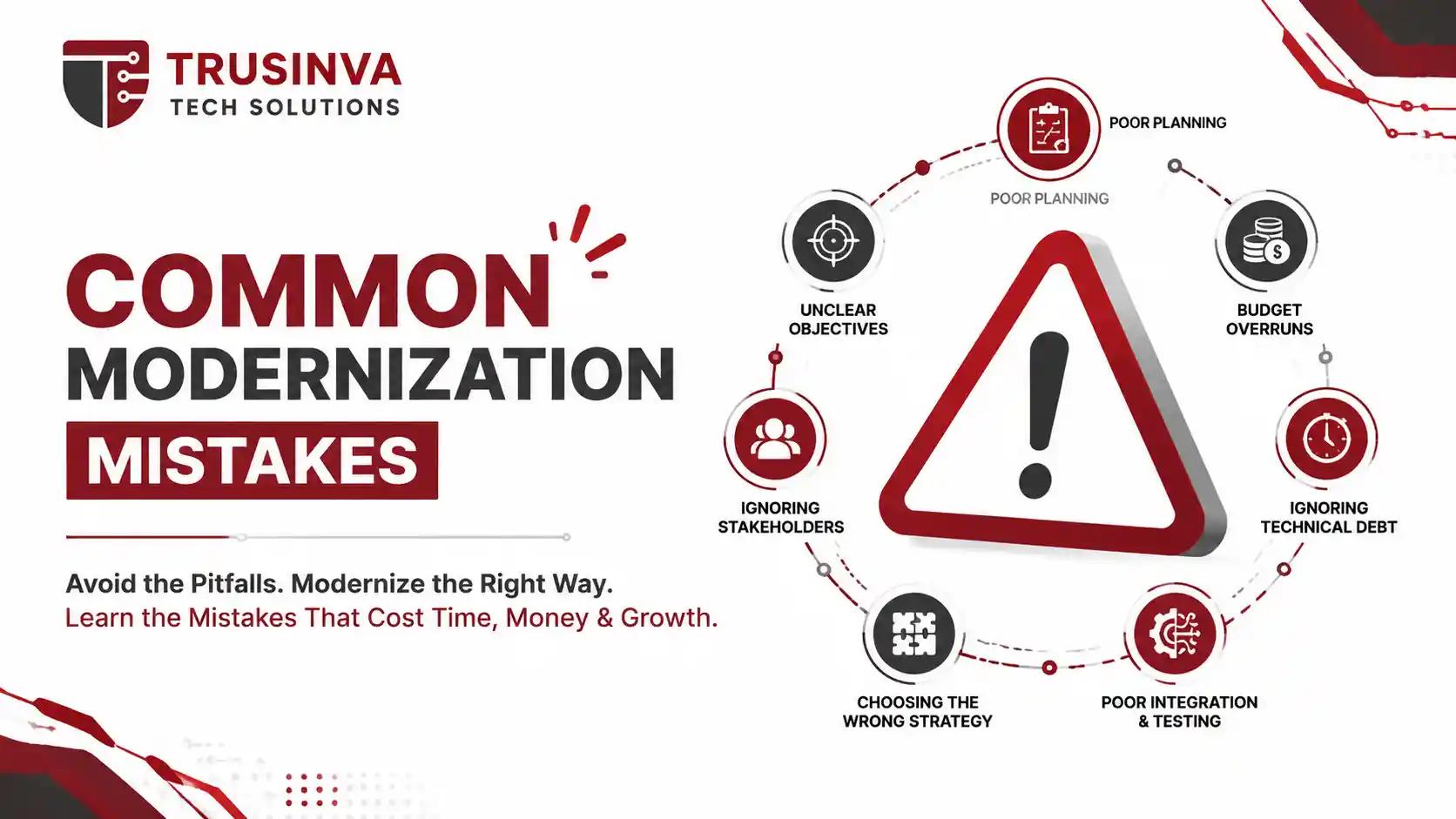
- Modernizing without a full dependency map — breaking integrations no one accounted for
- Choosing "rebuild" by default instead of evaluating cheaper, lower-risk options first
- Underestimating data migration complexity, especially with legacy databases
- Skipping stakeholder buy-in, leading to resistance mid-project
- No rollback plan if the migration hits a critical issue
8. Cost of Legacy Modernization
Modernization costs vary enormously based on scope — a simple rehost of a single application might cost a fraction of a full enterprise rearchitecture involving dozens of interconnected systems. Total cost of ownership (TCO) analysis should always compare the multi-year cost of maintaining legacy infrastructure against the modernization investment, not just the upfront price tag.
Businesses often start with a smaller pilot project — such as modernizing one CRM system or web application — before committing to a full-scale enterprise transformation.
9. Security & Compliance Considerations
Legacy systems are a common target for cyberattacks because they often run unpatched software. Modernization projects should incorporate DevSecOps practices from day one, aligning with frameworks like the NIST Secure Software Development Framework, OWASP ASVS, and ISO/IEC 27001.
For regulated industries — healthcare, finance, logistics — compliance requirements often accelerate the modernization timeline rather than slow it down, since outdated systems increasingly fail audits.
10. Future Trends: AI in Modernization
Generative AI and large language models are transforming how modernization projects run. AI coding assistants can now analyze legacy codebases, flag dependencies, and even assist with code conversion from legacy languages like COBOL into modern equivalents — cutting analysis time that used to take human teams weeks.
Cloud providers have leaned into this shift: tools like AWS Transform and IBM watsonx Code Assistant are purpose-built to use AI for legacy code analysis and automated refactoring. Organizations like Anthropic and OpenAI continue advancing the underlying models powering these AI-assisted migration tools, and adoption is expected to accelerate through 2026 as accuracy improves.
FAQs
1. What is legacy software modernization? It's the process of updating outdated applications or infrastructure to meet current performance, security, and scalability needs while preserving core business logic.
2. What are the 6 R's of modernization? Rehost, replatform, refactor, rearchitect, rebuild, and replace — with retain and retire as additional options.
3. How long does legacy modernization take? It ranges from a few weeks for a simple rehost to over a year for a full enterprise rearchitecture, depending on scope.
4. Is rehosting the same as rearchitecting? No. Rehosting moves an app to new infrastructure with minimal changes; rearchitecting redesigns the application's underlying structure.
5. Why do companies avoid modernizing legacy systems? Common reasons include budget constraints, fear of business disruption, and lack of internal expertise — though delaying often increases long-term risk and cost.
6. Is legacy modernization the same as cloud migration? Cloud migration is one common modernization path, but modernization can also happen on-premises through refactoring or rearchitecting.
7. What industries need legacy modernization most? Banking, healthcare, insurance, government, and logistics — industries with older mainframe or custom-built systems — are frequent candidates.
8. Can AI fully automate legacy modernization? Not yet. AI significantly speeds up code analysis and conversion, but human oversight remains essential for architecture decisions and business logic validation.
Conclusion
Legacy software modernization isn't about chasing new technology for its own sake — it's about removing the risk, cost, and limitations that outdated systems quietly impose on your business. Whether the right path for you is a simple rehost or a full rearchitecture, the key is starting with an honest assessment rather than guessing.
If your business is weighing a legacy modernization project in 2026, Trusinva Tech Solutions can help you assess, plan, and execute it — from custom software and web development to CRM development, mobile app development, and blockchain-based solutions where relevant. Explore our full range of services, browse past projects, or read related guides like how to choose the right web development company, website vs. mobile app, and top web development services in the USA. If your team also needs specialized upskilling during a transition, check out Trusinva's courses, including USA taxation and medical billing. Ready to modernize your legacy systems the smart way? Contact Trusinva Tech Solutions and Book a Seat for a free modernization assessment today.