Quick Answer:
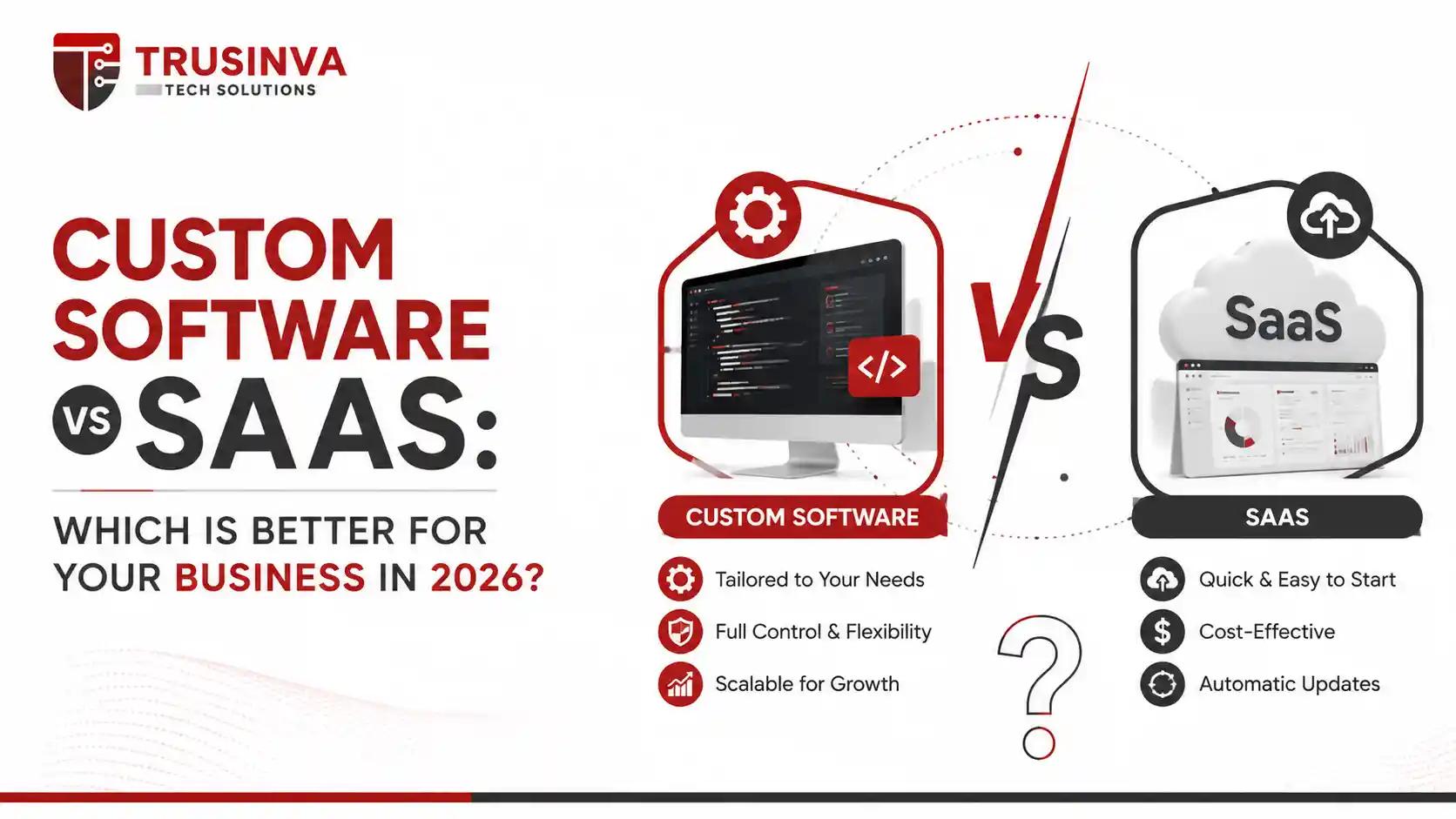
Custom software is a solution built specifically for your business's exact workflows, offering full ownership and flexibility, while SaaS is a ready-made, subscription-based application shared across many businesses. SaaS suits companies needing fast, low-cost deployment; custom software suits businesses with unique processes, compliance needs, or long-term scalability requirements.
Introduction
Choosing between custom software and SaaS is one of the most consequential technology decisions a growing business will make — and getting it wrong can mean years of wasted budget or a product that can't scale. At Trusinva Tech Solutions, we work with startups and enterprises across healthcare, eCommerce, and logistics to help them make exactly this call, whether that means building a fully custom web application, a tailored CRM system, or integrating an existing SaaS tool into their workflow. Before committing to either path, it helps to understand how top web development services in the USA approach this decision, and how a truck dispatch software solution illustrates when custom-built wins over off-the-shelf. This guide breaks down the real differences — cost, scalability, security, ownership — so you can make a decision backed by facts, not sales pitches.
Key Takeaways
- SaaS is faster and cheaper to launch; custom software costs more upfront but scales with your exact needs.
- Custom software gives full ownership and no vendor lock-in; SaaS means you're renting access, not owning the product.
- Regulated industries (healthcare, finance) often need custom software to meet compliance standards like HIPAA or PCI DSS precisely.
- SaaS platforms like Salesforce or HubSpot work well for standard business functions; custom software wins when workflows are non-standard.
- The right choice depends on budget, timeline, growth plans, and how unique your business processes really are.
Table of Contents
- What Is Custom Software?
- What Is SaaS?
- Custom Software vs SaaS: Head-to-Head Comparison
- Pros and Cons of Custom Software
- Pros and Cons of SaaS
- Cost Comparison
- Security & Compliance Considerations
- Which One Should Your Business Choose?
- Common Mistakes to Avoid
- Future Trends
- FAQs
- Conclusion
1. What Is Custom Software?
Direct answer: Custom software is an application built from the ground up to match a specific business's exact workflows, data structures, and goals. Unlike off-the-shelf products, it is owned entirely by the business that commissions it and can be modified freely as needs change.
Custom software is typically developed through a structured software development lifecycle involving requirement analysis, architecture design, development, and testing — often using modern technologies like microservices, REST APIs, and cloud-native infrastructure on platforms like AWS, Microsoft Azure, or Google Cloud.
Examples: a hospital's patient management system, a logistics company's custom dispatch platform, or an internal ERP tailored to a manufacturer's exact production line.
2. What Is SaaS?
Direct answer: Software as a Service (SaaS) is cloud-hosted software that businesses access via subscription rather than owning outright. The vendor manages hosting, updates, and infrastructure, while customers pay recurring fees for access — think Salesforce, HubSpot, or Zoho.
SaaS platforms are typically multi-tenant, meaning many businesses share the same underlying software infrastructure, with configuration (not code-level customization) used to adapt the tool to each customer.
Examples: Salesforce for CRM, Zoho for business operations, Microsoft Dynamics 365 for enterprise resource planning.
3. Custom Software vs SaaS: Head-to-Head Comparison
| Factor | Custom Software | SaaS |
| Ownership | Full ownership of code and IP | You rent access, no ownership |
| Upfront Cost | High | Low to none |
| Ongoing Cost | Maintenance/hosting costs | Recurring subscription fees |
| Customization | Unlimited | Limited to vendor's configuration options |
| Time to Launch | Weeks to months | Immediate to days |
| Scalability | Built to your exact scale needs | Scales but within vendor's architecture |
| Vendor Lock-In | None | Higher risk |
| Compliance Control | Full control (HIPAA, PCI DSS, SOC 2) | Depends on vendor's certifications |
| Best For | Unique workflows, regulated industries, long-term growth | Standard processes, fast deployment, limited budget |
4. Pros and Cons of Custom Software
Pros:
- Built exactly around your business processes
- Full data ownership and control
- No recurring licensing fees per user
- Easier to meet strict compliance requirements
- Scales without vendor limitations
Cons:
- Higher upfront investment
- Longer development timeline
- Requires an experienced development partner
- Ongoing maintenance is your responsibility
5. Pros and Cons of SaaS
Pros:
- Fast to deploy — often live within days
- Lower upfront cost, predictable subscription pricing
- Vendor handles updates, security patches, and infrastructure
- Good for standard business functions (CRM, HR, accounting)
Cons:
- Limited customization beyond configuration
- Recurring costs scale with users/features and can exceed custom software over time
- Vendor lock-in — migrating away later can be costly and complex
- Less control over data residency and compliance specifics
6. Cost Comparison
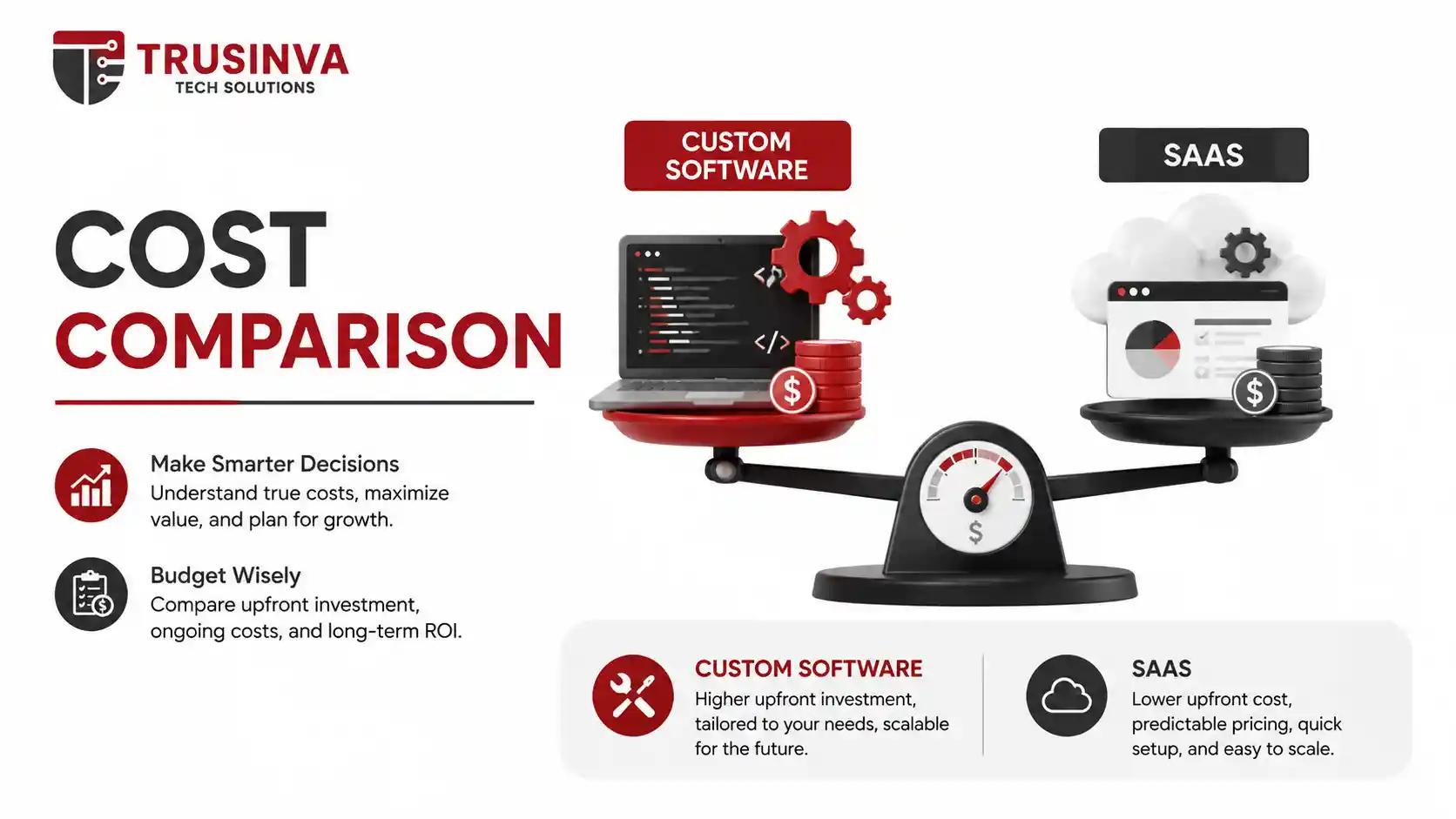
SaaS pricing is typically per-user, per-month — affordable initially but compounding as a team grows. Custom software requires a larger upfront investment (commonly ranging from a lean MVP build to a full enterprise system) but avoids ongoing per-seat fees, often making it more cost-effective at scale over a 3–5 year horizon.
Rule of thumb: if your team is under 20 users and your processes are fairly standard, SaaS usually wins on cost. Past that, and especially with complex workflows, custom software often becomes the cheaper long-term option.
7. Security & Compliance Considerations
Industries with strict regulatory requirements — healthcare (HIPAA), finance (PCI DSS), or any business handling EU customer data (GDPR) — need to evaluate whether a SaaS vendor's certifications (like SOC 2 or ISO 27001) genuinely cover their compliance obligations. Custom software gives businesses direct control over data architecture and security implementation, following frameworks like the OWASP Top 10, which can be essential when compliance requirements are non-negotiable.
Important note: Always request a SaaS vendor's compliance documentation (SOC 2 report, HIPAA BAA availability) before committing — don't assume coverage.
8. Which One Should Your Business Choose?
Use this quick decision matrix:
Choose SaaS if:
- Your processes match standard industry workflows
- You need to launch quickly with limited budget
- Your team is small to mid-sized
Choose Custom Software if:
- Your workflows are unique or complex
- You operate in a regulated industry with strict compliance needs
- You're planning significant long-term scale
- Existing SaaS tools force you to change how you operate, instead of the other way around
Many businesses land on a hybrid approach — using SaaS for standard functions like accounting or digital marketing, while investing in custom software for the core system that differentiates their business, such as a proprietary ERP or CRM platform.
9. Common Mistakes to Avoid
- Choosing SaaS purely for low upfront cost without projecting 3–5 year total cost
- Committing to custom development without a clear requirements document
- Ignoring data portability — check how hard it is to export your data if you switch SaaS vendors
- Underestimating the ongoing maintenance cost of custom software
10. Future Trends (2026)
- AI-enhanced SaaS platforms are narrowing the customization gap with configurable AI workflows
- Composable architecture lets businesses combine custom modules with SaaS components via APIs
- Vertical SaaS (industry-specific SaaS) is reducing the need for full custom builds in some sectors
- Increasing regulatory pressure is pushing more regulated businesses back toward custom or hybrid solutions for compliance control
FAQs
Q1: Is custom software more expensive than SaaS? Upfront, yes. Over 3–5 years with growing user counts, custom software is often cheaper since it avoids compounding per-seat subscription costs.
Q2: Can I switch from SaaS to custom software later? Yes, many businesses start on SaaS and migrate to custom software once they outgrow the platform's flexibility — this is a common and reasonable growth path.
Q3: Is SaaS secure enough for regulated industries? It can be, but only if the vendor provides verified compliance certifications (SOC 2, HIPAA BAA, ISO 27001) matching your specific regulatory requirements.
Q4: How long does custom software take to build? Typically weeks for an MVP to several months for a full enterprise system, depending on scope and complexity.
Q5: What is vendor lock-in and why does it matter? Vendor lock-in happens when switching away from a SaaS provider becomes difficult or costly due to data formats, integrations, or contracts — it matters because it limits your future flexibility.
Q6: Can custom software integrate with existing SaaS tools? Yes, custom software is commonly built with APIs to integrate with tools like Salesforce, QuickBooks, or Slack, combining the best of both approaches.
Q7: Which is better for a startup — SaaS or custom software? Most startups benefit from starting with SaaS to validate their business model quickly, then moving to custom software once specific workflow needs become clear.
Conclusion
There's no universal winner between custom software and SaaS — the right choice depends on your budget, timeline, compliance needs, and how unique your business processes really are. SaaS offers speed and simplicity; custom software offers control and long-term scalability. If you're unsure which path fits your business, the team at Trusinva Tech Solutions can assess your workflows and recommend the right approach — whether that's a SaaS integration or a fully custom build. Book a Seat for a free consultation and let's find the right software strategy for your business.