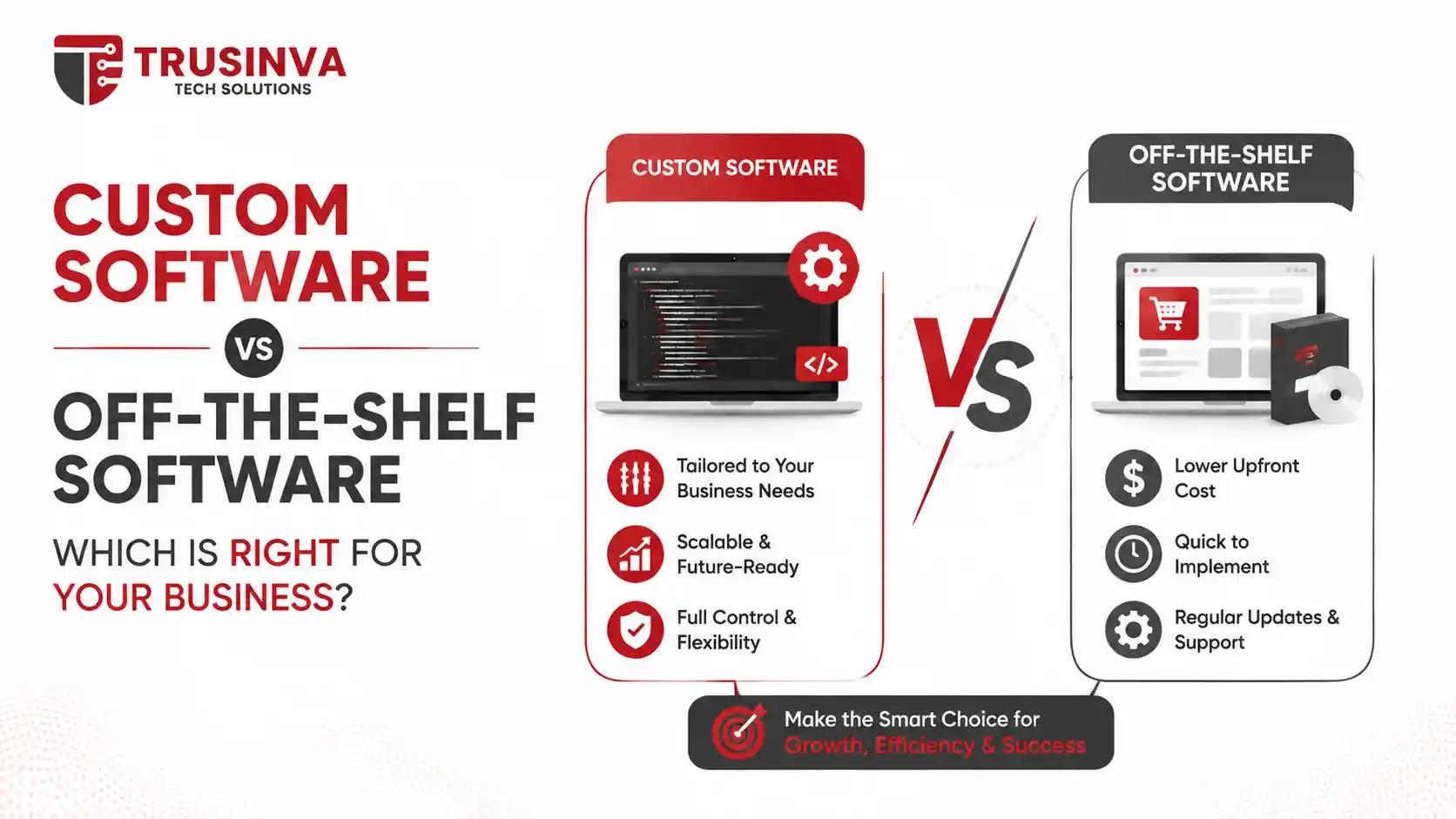
Quick Answer
Custom software is built specifically for your business's workflows and scales with you, but costs more upfront and takes longer to launch. Off-the-shelf software is cheaper and faster to deploy but forces your business to adapt to someone else's process. The right choice depends on your budget, timeline, and how unique your operations really are.
Introduction
Every growing business eventually hits the same fork in the road: buy software off the shelf, or build something custom. It's one of the highest-stakes technology decisions a company makes, because it affects cost, speed, and how well your systems actually fit your operations for years to come. At Trusinva Tech Solutions, we work with startups, mid-size companies, and enterprises across the USA who are wrestling with exactly this question — and the honest answer is: it depends on your business, not on which option sounds more impressive.
This guide breaks down the real differences between custom software development and commercial, ready-made platforms — cost, scalability, security, and long-term ROI — so you can make a decision based on facts, not sales pitches. If your business is also weighing related choices like whether to invest in a CRM development platform, a mobile app, or broader digital marketing infrastructure, the same cost-vs-flexibility logic applies there too.
Key Takeaways
- Custom software offers full ownership, unlimited scalability, and workflow-specific automation, but requires a larger upfront investment.
- Off-the-shelf software (like Salesforce, HubSpot, or Zoho) gets you running in days, but recurring license fees add up and customization is limited.
- Total cost of ownership, not sticker price, is what actually determines which option is cheaper over 3-5 years.
- Security and compliance (HIPAA, PCI DSS, SOC 2, GDPR) are easier to control in custom-built systems but easier to inherit "out of the box" in commercial platforms.
- Most growing businesses eventually adopt a hybrid model — packaged software for standard functions, custom software for the processes that actually differentiate them.
Table of Contents
- Introduction
- What Is Custom Software?
- What Is Off-the-Shelf Software?
- Custom Software vs Off-the-Shelf Software: Key Differences
- Cost Comparison: Upfront Price vs Total Cost of Ownership
- Scalability and Flexibility
- Security, Compliance, and Data Ownership
- Implementation Timeline
- Pros and Cons of Each Option
- Which One Should You Choose?
- Common Mistakes Businesses Make
- Expert Tips and Best Practices
- Future Trends in Business Software
- FAQs
- Conclusion
What Is Custom Software?
Custom software (also called bespoke software) is an application built from scratch specifically for one organization's workflows, rules, and goals. Instead of adapting your business to fit the software, the software is designed around how your business actually operates — its processes, data structures, and integrations.
Custom software is common in industries where standard tools fall short of specific regulatory, operational, or workflow requirements — think a hospital needing a patient intake system that matches its exact HIPAA compliance workflow, or a logistics company needing dispatch software that mirrors its unique fleet routing logic.
Typical characteristics of custom software:
- Built by an in-house team or a custom software development company
- Owned outright by the business (source code included)
- Designed around specific business logic and existing systems
- Scales and evolves as the business changes
- Requires ongoing maintenance, hosting, and internal or outsourced support
What Is Off-the-Shelf Software?
Off-the-shelf software (also known as packaged, commercial, or ready-made software) is a pre-built application designed to serve a broad range of businesses with similar, common needs. Products like Salesforce, HubSpot, QuickBooks, Zoho, and SAP fall into this category — you subscribe or license the software and configure it within the boundaries the vendor allows.
This is the fastest way to get standard business functions — CRM, accounting, HR, email marketing — up and running without building anything from scratch.
Typical characteristics of off-the-shelf software:
- Built by a vendor (Microsoft, Oracle, Salesforce, Zoho, Intuit, Odoo, etc.) for thousands of customers
- Licensed or subscribed to (SaaS), not owned
- Configurable within limits, but not fully customizable
- Fast to deploy — often live within days or weeks
- Maintenance, updates, and security patches are handled by the vendor
Custom Software vs Off-the-Shelf Software: Key Differences
| Factor | Custom Software | Off-the-Shelf Software |
| Ownership | Full ownership of code and IP | Licensed access only, no ownership |
| Upfront Cost | Higher (development from scratch) | Lower (subscription or license fee) |
| Long-Term Cost | Predictable, no recurring license fees | Recurring fees compound over years |
| Time to Launch | Weeks to several months | Days to a few weeks |
| Customization | Unlimited — built around your exact process | Limited to vendor's configuration options |
| Scalability | Scales precisely with business needs | May require costly upgrades or plan changes |
| Integrations | Built to integrate with existing systems via API integration | Depends on vendor's available integrations |
| Maintenance | Managed by your team or dev partner | Handled by the vendor |
| Security & Compliance | Fully controllable to match HIPAA, PCI DSS, SOC 2 needs | Depends on vendor's certifications |
| Best For | Unique workflows, regulated industries, competitive differentiation | Standard processes, fast deployment, limited budget |
Cost Comparison: Upfront Price vs Total Cost of Ownership
Off-the-shelf software almost always looks cheaper upfront, but custom software often wins on total cost of ownership (TCO) once you factor in 3-5 years of subscription fees, per-user pricing, and add-on costs. This is the single most misunderstood part of the buy-vs-build decision.
A commercial CRM might cost $50-150 per user per month. For a 40-person sales team, that's $24,000-$72,000 per year — every year, indefinitely, and prices tend to rise at renewal. A custom-built CRM might cost $40,000-$120,000 to develop once, with modest annual maintenance afterward (typically 15-20% of the build cost).
Rule of thumb: if your team is small, your needs are standard, and you don't expect to scale dramatically, off-the-shelf software's lower upfront cost usually wins. If your team is large, your workflows are unique, or you're locked into a growing per-seat pricing model, custom software frequently pays for itself within 2-4 years.
Gartner and Forrester research consistently shows that mid-size and enterprise companies underestimate the long-term cost of licensing sprawl — subscribing to multiple SaaS tools that don't talk to each other, and paying for features they never use.
Scalability and Flexibility
Custom software is built to scale exactly the way your business grows, while off-the-shelf software scales in the direction the vendor decided to build it. If your business processes are fairly standard, that's rarely a problem. But if your growth involves unusual workflows, high transaction volumes, or non-standard integrations, packaged software can become a bottleneck.
A common pattern we see at Trusinva Tech Solutions: a company starts with a commercial platform, grows past its limits within 2-3 years, and then has to migrate to something custom-built anyway — often at a higher cost than if they'd built it from the start. On the other hand, plenty of businesses run entirely on off-the-shelf tools for a decade with no issues at all, because their processes genuinely are standard.
Security, Compliance, and Data Ownership
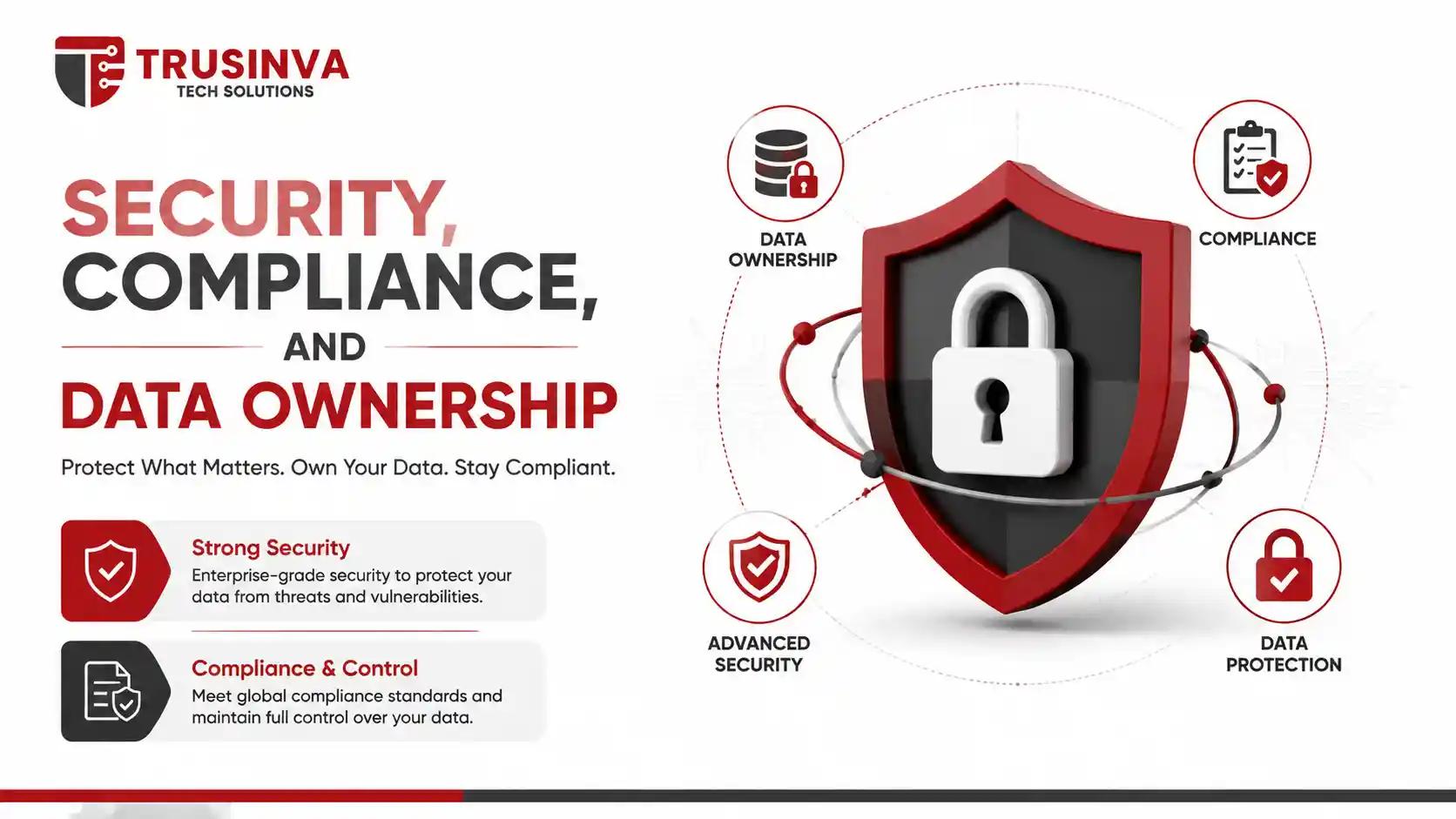
Protect your business with strong security, regulatory compliance, and complete control over your data.
With custom software, you control every layer of security and can build compliance requirements — HIPAA, PCI DSS, SOC 2, GDPR — directly into the architecture. With off-the-shelf software, you inherit whatever security posture and certifications the vendor already has.
For regulated industries like healthcare, finance, and legal services, this distinction matters a lot. Off-the-shelf vendors like Microsoft, Salesforce, and AWS often carry strong, independently audited certifications (SOC 2, ISO 27001), which can actually make compliance easier — you're not building security from zero. But you're also trusting a third party with your data, and you have limited ability to change how that data is handled.
Custom software gives you complete data ownership and the ability to align your security architecture with frameworks like the OWASP Top 10 and NIST guidelines exactly the way your compliance team requires — but the responsibility for maintaining that security also sits entirely with you or your development partner.
Implementation Timeline
Off-the-shelf software can typically go live within days to a few weeks, while custom software usually takes anywhere from 6 weeks to several months depending on complexity. If speed to market is your top priority — say, you need a CRM running before a product launch next month — commercial software is almost always the practical choice.
Custom builds take longer because they involve discovery, architecture planning, development, QA, and deployment. That said, an experienced custom software development team can shorten this significantly with agile, phased delivery — launching a working MVP within weeks and expanding functionality afterward, rather than waiting for a "big bang" launch.
Pros and Cons of Each Option
Custom Software — Pros:
- Built exactly around your workflows
- Full ownership of source code and data
- No recurring per-user license fees
- Unlimited scalability and customization
- Full control over security and compliance
Custom Software — Cons:
- Higher upfront investment
- Longer development timeline
- Requires ongoing maintenance planning
- Success depends heavily on choosing the right development partner
Off-the-Shelf Software — Pros:
- Fast deployment, often within days
- Lower upfront cost
- Vendor handles updates, patches, and support
- Backed by established, well-tested platforms
Off-the-Shelf Software — Cons:
- Recurring costs compound over time
- Limited customization and flexibility
- You adapt your process to the software, not the other way around
- Vendor lock-in and potential data portability issues
Which One Should You Choose?
Choose off-the-shelf software if your processes are standard, your budget is limited, or you need to launch fast. Choose custom software if your workflows are unique, you're scaling quickly, or off-the-shelf tools are costing you more in workarounds than they save in convenience.
A simple decision framework:
- Are your workflows genuinely unique? If yes, lean custom. If your business runs like most others in your industry, lean off-the-shelf.
- What's your timeline? Need it live in weeks? Off-the-shelf. Have a few months to plan properly? Custom becomes viable.
- What's your 3-5 year cost outlook? Run the math on subscription costs at your expected headcount before assuming "cheaper now" means "cheaper overall."
- How regulated is your industry? Heavily regulated businesses (healthcare, finance) often benefit from the control custom software provides.
- Do you need deep integrations with existing systems, industry-specific tools, or a website and e-commerce platform? Custom software typically integrates more cleanly.
Many businesses land on a hybrid approach: off-the-shelf software for standard functions like accounting or email, and custom-built systems — such as ERP or CRM platforms — for the processes that actually set them apart from competitors.
Common Mistakes Businesses Make
- Comparing only upfront price, not total cost of ownership. A cheap monthly subscription can cost more than a custom build within three years.
- Choosing custom software for standard processes. If your workflow isn't unique, building custom just adds cost and complexity for no real benefit.
- Underestimating maintenance for custom builds. Custom software still needs updates, hosting, and support — factor that into your budget from day one.
- Ignoring integration needs. Businesses often pick a commercial tool without checking whether it connects to their existing website, CRM, or accounting software.
- Skipping a discovery phase. Jumping straight into development without mapping workflows leads to expensive rework later.
Expert Tips and Best Practices
- Start with a workflow audit before deciding — map out exactly where off-the-shelf tools fall short of your actual process.
- Ask vendors directly about data export and portability before signing a contract, so you're not locked in permanently.
- For custom builds, insist on a phased MVP approach rather than a single massive launch — it reduces risk and gets value to your team faster.
- Budget 15-20% of your initial custom software cost annually for maintenance and updates.
- Reassess your software stack every 12-18 months — what was the right choice at 10 employees may not be right at 100.
Future Trends in Business Software
Heading into the later part of the decade, the line between custom and off-the-shelf is blurring. Low-code and AI-assisted development platforms are making custom builds faster and cheaper than they were even a few years ago, while commercial platforms like Salesforce and HubSpot are adding deeper customization and automation layers to compete. Expect more businesses to adopt a hybrid model — configurable commercial platforms extended with custom modules and AI-driven automation — rather than a strict either/or choice.
Frequently Asked Questions
Is custom software more expensive than off-the-shelf software? Upfront, yes. Over 3-5 years, custom software is often cheaper because it avoids recurring per-user license fees that scale with your team size.
How long does it take to build custom software? Most custom projects take 6 weeks to several months depending on complexity, with an MVP often deliverable in the early phase of development.
Can I switch from off-the-shelf software to custom software later? Yes, and many businesses do exactly this once they outgrow the limits of packaged platforms. Migration requires careful data planning but is a common, manageable process.
Which is more secure: custom or off-the-shelf software? Both can be highly secure. Custom software gives you full control over security architecture; off-the-shelf software often comes with vendor-managed certifications like SOC 2 or ISO 27001 already in place.
Do small businesses need custom software? Most small businesses are well-served by off-the-shelf tools initially. Custom software typically becomes worthwhile once workflows are established and unique needs emerge.
What industries benefit most from custom software? Healthcare, logistics, finance, manufacturing, and other regulated or workflow-specific industries tend to benefit most, since standard software rarely fits their exact compliance and operational needs.
Is off-the-shelf software the same as SaaS? Most modern off-the-shelf software is delivered as SaaS (Software as a Service), meaning it's cloud-hosted and subscription-based rather than installed locally.
Can custom software integrate with tools like Salesforce or QuickBooks? Yes. Custom software is typically built with API integrations that connect to existing commercial platforms, combining the flexibility of a custom build with tools you already use.
Conclusion
There's no universally "better" choice between custom software and off-the-shelf software — only the choice that's right for your business's workflows, budget, and growth stage. If your operations are standard and you need speed, off-the-shelf tools will serve you well. If your workflows are unique, your team is scaling, or you're tired of paying recurring fees for a platform that never quite fits, custom software is worth the investment.
The best next step is a real conversation about your specific business, not a generic recommendation. Our team at Trusinva Tech Solutions has helped startups and enterprises across the USA make this exact decision — and build the right solution once they have. Book a Seat for a free consultation, and let's figure out which path makes sense for your business.